
Quick project answer
Review focus: handover documentation register.
A partition handover documentation register sign-off is not a single signature event. It is the point where the project team confirms that the installed movable partition matches the reviewed layout, the approved finish schedule and the coordination record. For overseas contractors, architects, interior designers, owners and renovation teams, the register is the working index that shows what has been checked, what remains open and what must be confirmed project by project. This article sets out an evidence-bounded framework for building that register before sign-off.
Why a Register Matters More Than a Folder of Files
Project review term: handover documentation register.
A folder of drawings, finish samples and emails can be complete in volume but weak in traceability. A register turns those items into a controlled list: each entry has an owner, a status and a reference to the drawing or confirmation it depends on. That structure matters because movable partitions are configured for each opening. Panels are individually movable, suspended from a top track, cross the opening without a floor track and park at a planned stacking position. Those characteristics mean the handover record must connect the physical installation back to the coordinated layout, not just to a generic product description.
The register also protects the project from inference. Visible references can support layout discussion but do not verify hidden construction or performance. The register should record what was confirmed and flag what still requires project-specific evidence.
Core Sections Every Partition Handover Register Should Include
Coordination scope: handover documentation register.
Think of the register as a set of sections that mirror the way the partition was planned, supplied and installed. The exact contents will vary by contract and by project, but the following sections give a reliable starting structure for coordination meetings.
1. Project and Scope Identification
Record the project name, the room or venue type as an example, the partition reference and the parties involved. Note that named venues are examples only; movable partitions can be considered wherever flexible spatial division, combination or reconfiguration is required. This section should also state the agreed scope boundary so that later entries are not confused with other trades.

2. Layout and Movement Route Records
The register should reference the reviewed layout drawings that show straight, turning and stacking routes. Because panels are top-hung and cross the opening without a floor track, the overhead route must be continuous and connected. The suitability of each route and parking arrangement depends on the approved layout, circulation, ceiling interfaces and operating sequence. Do not treat a route drawing as evidence of support capacity; that confirmation belongs to the project’s own review process.
3. Finish Schedule and Approved Surfaces
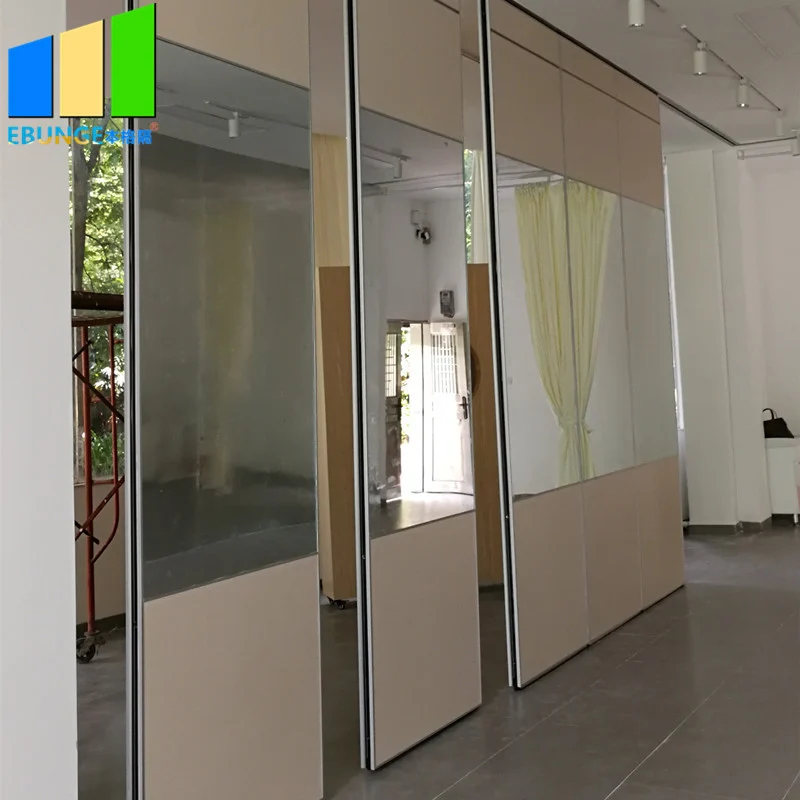
Confirmed finish options include laminate, melamine, fabric, leather, glass and other approved surfaces. The register should list the finish selected for each panel or panel group, the approval reference and any project-specific cleaning or handling instructions that were formally provided.
4. Pass-Door and Access Requirements
Pass-door requirements can be discussed as part of the project configuration. The register should record whether a pass-door was requested, how it relates to the panel layout and what documentation was exchanged. Avoid assuming that a pass-door is included unless it appears in the confirmed project record.
5. Acoustic and Sealing Concepts
The register can record that acoustic requirements were discussed and that project-specific confirmation is required.
6. Open Items and Responsibility Log
Every register needs a live open-items list. Each item should name the question, the responsible party and the evidence needed to close it. This is where project-specific support, acoustic and dimensional requirements are tracked until confirmed.
Decision Checklist Before Sign-Off
Checklist focus: handover documentation register.
- Are the reviewed layout drawings referenced and version-controlled?
- Is the movement route recorded as continuous and connected overhead?
- Are finish selections listed against approved surfaces?
- Are pass-door requirements documented if applicable?
- Are acoustic questions marked as requiring project-specific confirmation?
- Are support and dimensional requirements assigned to the correct party?
- Is every open item owned and dated?
How to Coordinate the Register Across Project Teams
The contractor can supply installation records, the architect can confirm layout revisions, the interior designer can confirm finish approvals and the owner can confirm acceptance criteria. The register should be reviewed in a short standing meeting rather than assembled at the end.
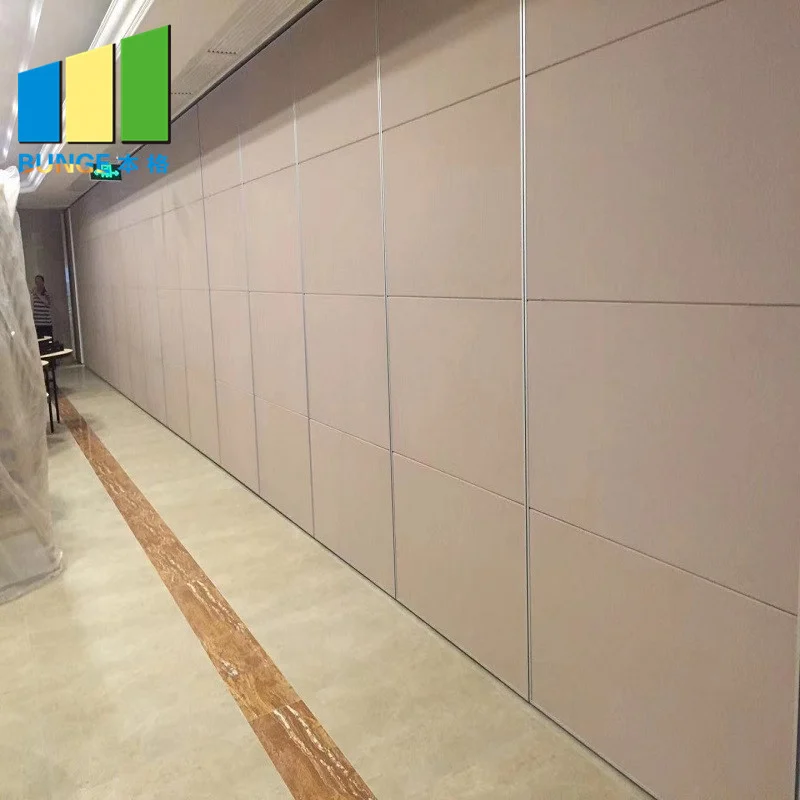
Use the movable walls product page as a maintained reference for product context, and use the resources section for general planning material. Neither replaces project-specific drawings or engineering review.
Evidence Notes: What the Register Should Not Claim
Record what was confirmed, by whom, and against which drawing. Do not derive acoustic, fire, durability, load, maintenance or commercial performance from a visible shape, finish or photograph.
This boundary keeps the register useful. It prevents a handover document from becoming a place where assumptions are written as facts. If a performance question is not supported by matching evidence, the register should say so plainly and route the question to the responsible party.
Common Gaps That Delay Partition Sign-Off
Delays often come from missing references rather than missing hardware. A finish may be installed but not linked to an approval. A route may be drawn but not reviewed for support. A pass-door may be discussed but not recorded. Each gap is small, but together they stall sign-off.
A second common gap is version confusion. If the register references an old layout, the team may sign off against a superseded drawing. Version control is therefore part of the register, not an administrative extra.
FAQ: Partition Handover Documentation Register Sign-Off
What is a partition handover documentation register?
It is a controlled index of the drawings, finish approvals, route records and open items that support partition sign-off. It shows what was confirmed and what still requires project-specific evidence.
Does the register need to include acoustic test values?
Only if the project has matching evidence for those values. Without project-specific confirmation, the register should record the question as open.
How should movement routes be documented?
Reference the reviewed layout showing straight, turning and stacking routes. The exact route, junction arrangement, continuous overhead path and parking position must be confirmed from the coordinated project drawings.
Can finish samples be used as performance evidence?
No. A finish sample confirms appearance and approved surface selection.
Who should own the register?
One named coordinator should own the register, with contributors responsible for their sections. The owner, contractor, architect and designer should each know which entries they must close.
What should happen to unresolved items at sign-off?
They should remain visible in the register with an owner and a required action. Sign-off can proceed only on the basis agreed by the project parties, and unresolved performance questions should not be treated as confirmed.
Conclusion and Next Step
A partition handover documentation register sign-off is strongest when it is built during coordination, not reconstructed at the end. Keep every entry tied to a reviewed drawing, an approved finish or a named open question. Confirm project-specific support, acoustic and dimensional requirements with the responsible parties before treating any item as closed.
To discuss pass-door requirements, project documentation or configuration questions, contact the EBUNGE team and share your layout and coordination needs.