
Building a Partition Changeover Rota From Facility Shift Patterns
Quick answer: partition changeover rota
Review focus: partition changeover rota.
Building a partition changeover rota from facility shift patterns is a planning exercise, not a performance promise. The aim is to match room states to the hours when people actually use the building, then check that every proposed movement can be supported by the layout. A partition changeover rota facility shift patterns framework helps contractors, designers and owners agree on who needs which space, when, and what must be confirmed before the rota is issued.
Movable wall panels are individually movable, suspended from a top track, and cross the opening without a floor track. They park at a planned stacking position. Those maintained facts are the starting point; everything else depends on the project drawings and the requirements confirmed for that project.
Start With the Shift Pattern, Not the Panel
Project review term: partition changeover rota.
Write down the operating day as it is actually used. Include shift handovers, cleaning windows, deliveries, exams, events, quiet hours and any period when a room must stay in one configuration. The rota should describe room states over time, not just list rooms.
Map demand to room states
For each space, record the states it must reach: open, divided, combined, or partly divided. Then note when each state begins and ends. This gives the changeover windows that the rota must fit into, and it exposes conflicts early, before anyone debates finishes or routes.
Separate fixed and flexible periods
Some periods are effectively fixed by timetable or contract. Others can move. Marking them separately prevents a rota from assuming flexibility that the facility does not have. Where a changeover window is tight, treat that as a question for the project team rather than an assumption.
Translate the Rota Into Movement Routes
Coordination scope: partition changeover rota.
Each changeover implies a route: where panels come from, how they cross the opening, and where they park. Straight, turning and stacking routes are reviewed from the layout. A route that looks simple on a room schedule may need closer review once walls, columns, adjacent uses and parking space are drawn.
- List every changeover event in the shift pattern and the room state required after it.
- Sketch the route from the parking position to the opening for each event.
- Check that the overhead route is continuous and connected for the whole movement.
- Confirm the parking position is planned and does not block required circulation.
- Record open questions for the project-specific drawing review.
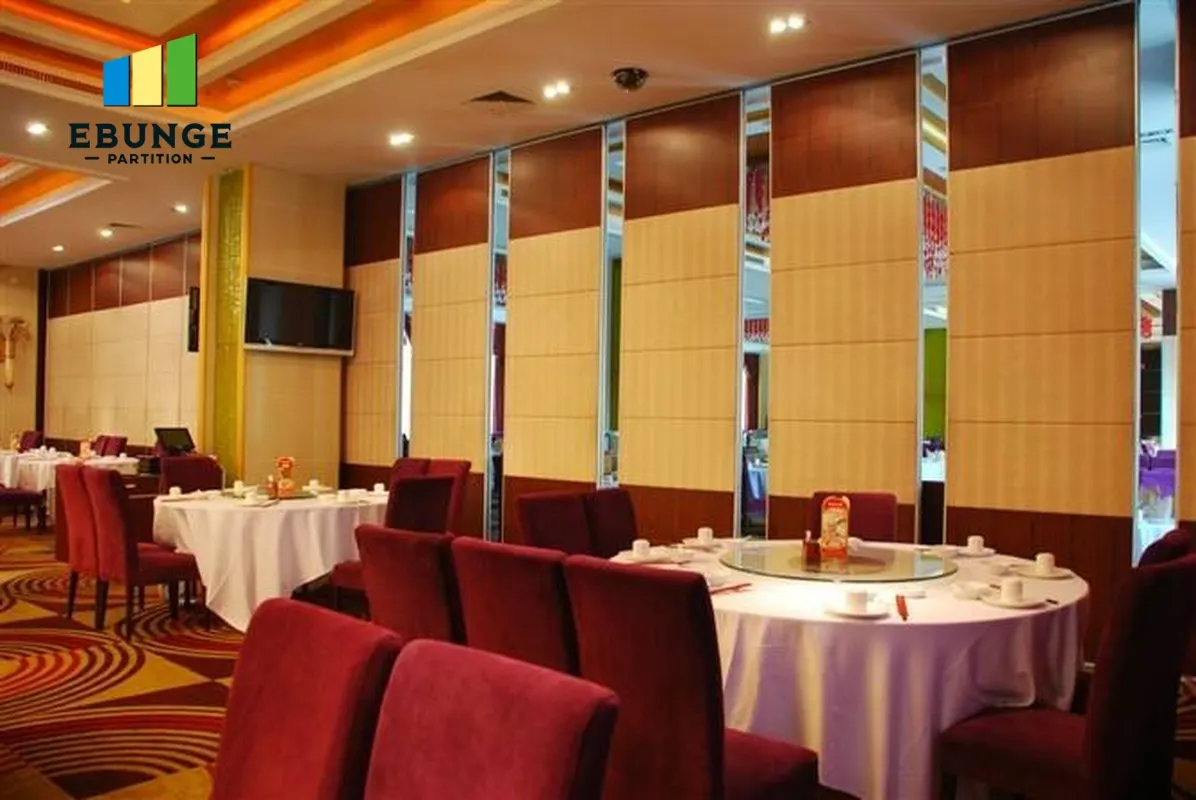
The exact route, junction arrangement, continuous overhead path and parking position must be confirmed from the coordinated project drawings. Every proposed path needs a continuous connected overhead route and project-specific support review. The rota should reference the reviewed layout, not a verbal description of it.
Build the Rota in Defined Steps
A rota becomes usable when it is specific enough to check. The following sequence keeps the document tied to maintained facts and visible evidence limits.
Step 1: Define the planning horizon
Choose the period the rota covers, such as a week or a term, and state the shift pattern it follows. Keep the horizon short enough that changes can be reviewed without rewriting the whole document.
Step 2: Assign changeover windows
Place each changeover in a window that exists in the facility schedule. Note dependencies, such as a room being free before its panels can be moved. Avoid inventing durations; where timing is unknown, mark it for confirmation.
Step 3: Attach layout references
Link each event to the reviewed drawing that shows its route and parking position. This makes the rota auditable and helps new team members understand why a changeover is sequenced as it is.
Step 4: Record finish and pass-door requirements
Confirmed finish options include laminate, melamine, fabric, leather, glass and other approved surfaces. Pass-door requirements and project documentation can be discussed with the supplier. Record these needs against the relevant room so they are not lost between planning and procurement.
Use a Decision Checklist Before Issuing the Rota
| Check | What to confirm | Evidence needed |
|---|---|---|
| Shift pattern | Operating hours and fixed periods | Facility timetable |
| Room states | Open, divided, combined or partly divided | Agreed space schedule |
| Routes | Straight, turning and stacking paths | Reviewed layout drawing |
| Parking | Planned stacking position | Coordinated layout |
| Finishes | Approved surface options | Project specification |
| Acoustics | Project-specific requirement | Confirmed project data |
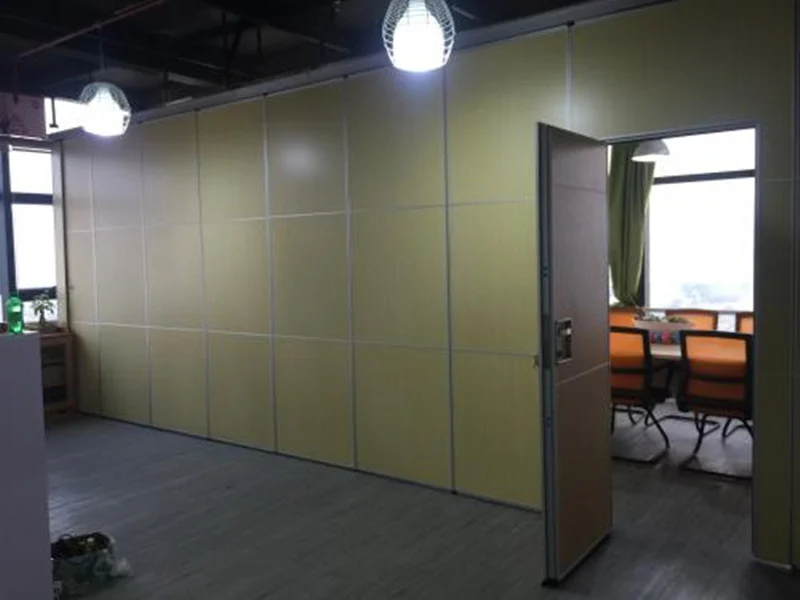
If any row cannot be evidenced, the rota is not ready to issue. Mark the gap and route it to the responsible party. See the movable wall product overview for maintained product context.
Handle Acoustics and Seals Without Overclaiming
The suitability of each route and parking arrangement depends on the approved layout, circulation, ceiling interfaces and operating sequence. Seals and acoustic concepts can be explained generically, but the actual requirement belongs to the project.
Evidence note: do not infer acoustic, fire, durability or structural performance from a finish sample, photograph or drawing. Ask for the project-specific confirmation that matches the requirement.
Where a room needs acoustic separation, state the requirement in the project documents and confirm how it will be addressed. The rota can note that acoustic requirements exist; it cannot substitute for the technical confirmation.
Coordinate Across Disciplines
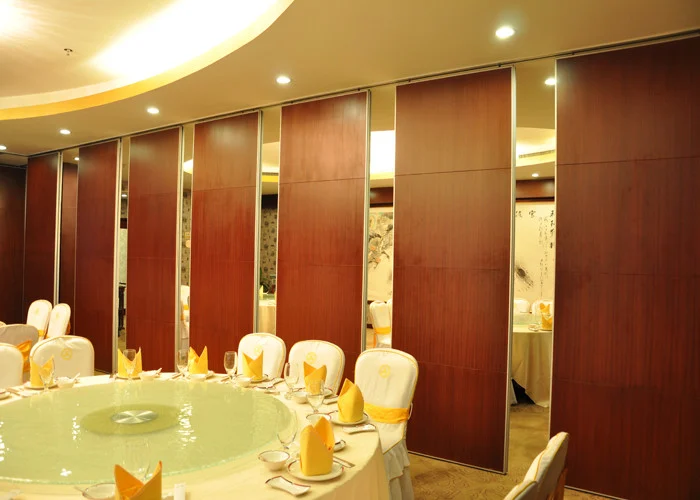
The rota touches facilities, operations, design and construction. Give each group a clear role: operations owns the shift pattern, design owns the layout intent, and the project team confirms support and dimensional requirements. A short coordination review before each rota issue catches most mismatches.
Keep a single register of open questions. Typical items include route continuity, parking position, pass-door needs, finish approvals and acoustic requirements. The resources section supports buyer and project planning, while configuration-specific engineering still requires matching evidence.
Frequently Asked Questions
What is a partition changeover rota?
It is a schedule that links facility shift patterns to the room states required over time, and to the reviewed routes and parking positions needed to reach those states.
Do movable partitions need a floor track?
EBUNGE movable wall panels are top-hung and cross the opening without a floor track. The overhead route must be continuous and connected, and support is reviewed for the project.
Can the rota assume a changeover duration?
No. Durations should come from confirmed project information. Where timing is unknown, mark it as an open item rather than estimating.
Which finishes can be recorded in the rota?
Confirmed options include laminate, melamine, fabric, leather, glass and other approved surfaces. Record only finishes approved for the project.
How should acoustic requirements be handled?
State the requirement in project documents and confirm it with matching evidence.
When should the rota be reviewed?
Review it whenever the shift pattern, room schedule or layout changes, and before each issue to operations.
Conclusion and Next Step
A reliable rota is built from the shift pattern outward, checked against reviewed routes and parking positions, and honest about what still needs confirmation. Confirm project-specific support, acoustic and dimensional requirements before the rota is issued. To discuss pass-door requirements, finishes or project documentation, contact the EBUNGE team.