
Quick project answer
Review focus: movable partition wall.
A movable partition wall handover document version freeze is the point at which a project team stops issuing competing drawing sets and declares one controlled package for the facility team. Without that freeze, maintenance staff may work from an early layout, a revised finish schedule or a superseded elevation. This framework helps overseas contractors, architects, interior designers, owners and distributors plan the freeze, mark withdrawn records and keep one authoritative set. It does not replace project-specific support, acoustic or dimensional confirmation.
Why a Version Freeze Matters for Movable Partition Handover
Project review term: movable partition wall.
Movable partition systems are configured around a layout. Panels are individually movable, suspended from a top track, cross the opening without a floor track and park at a planned stacking position. Straight, turning and stacking routes are reviewed from the layout. If the facility team holds an outdated route drawing, later operation and maintenance decisions may be based on the wrong geometry.
A version freeze gives every party one reference. It also creates a clear boundary: anything issued before the freeze is either current or withdrawn. That boundary is more useful than a folder of files with unclear status.
What Belongs in the Controlled Handover Set
Coordination scope: movable partition wall.
The controlled set should reflect the confirmed project scope. It is not a place for inferred performance or unverified commercial assumptions. Use the project drawings and approved submittals as the source of truth.
Core document groups
- Approved layout drawings showing straight, turning and stacking routes.
- Elevation and interface drawings coordinated with adjacent construction.
- Finish schedule listing confirmed surfaces such as laminate, melamine, fabric, leather, glass and other approved surfaces.
- Pass-door requirements and related coordination notes where applicable.
- Project correspondence that changes scope, dimensions or interfaces.
- Operation and maintenance information approved for the project.
Each group should carry a document number, revision, issue date and status. If a document has no status, it is not ready for the freeze.
A Step-by-Step Freeze and Withdrawal Process
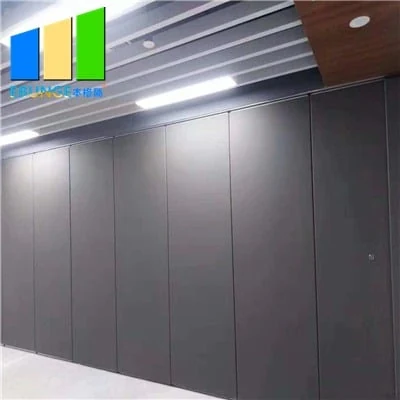
Checklist focus: movable partition wall.
The freeze is a sequence, not a single email. The following process can be adapted to the contract and the project team’s document control rules.
- Collect the current issue set. Gather all drawings, schedules and coordination notes that affect the movable partition scope.
- Reconcile against the approved layout. Confirm that route drawings, stacking positions and interface details match the latest approved layout.
- Mark each document as current, superseded or void. Do not leave ambiguous files in the shared folder.
- Issue the freeze notice. State the freeze date, the controlled set reference and the withdrawal rule for earlier versions.
- Withdraw superseded records. Move them to an archive location that is clearly separated from the live set.
- Confirm receipt. Ask the facility team and relevant subcontractors to confirm they are working from the controlled set.
After the freeze, any change should follow the project change process and produce a new revision. The controlled set should not be edited silently.
Superseded Record Withdrawal: Rules That Prevent Confusion
Withdrawal is not deletion. Superseded records often need to be retained for contract or audit reasons. The goal is to prevent them from being used as current information.
Practical withdrawal rules
- Use a clear file naming convention that includes status and revision.
- Keep the live set in one location and the archive in another.
- Add a watermark or status stamp to superseded files where the document control system allows it.
- Record who withdrew each file and when.
- Do not rely on memory or folder dates to identify the current version.
These rules are administrative. The suitability of each route and parking arrangement depends on the approved layout, circulation, ceiling interfaces and operating sequence. Those matters require project-specific evidence and review.
Evidence Boundaries for Handover Documentation
Handover documents should describe what is confirmed for the project. They should not imply hidden performance from a visible finish, a photograph or a generic drawing.
Evidence note: A finish sample or application example does not prove cleaning compatibility, structural capacity, acoustic performance or a application reference. Confirm project-specific support, acoustic and dimensional requirements before relying on any document.
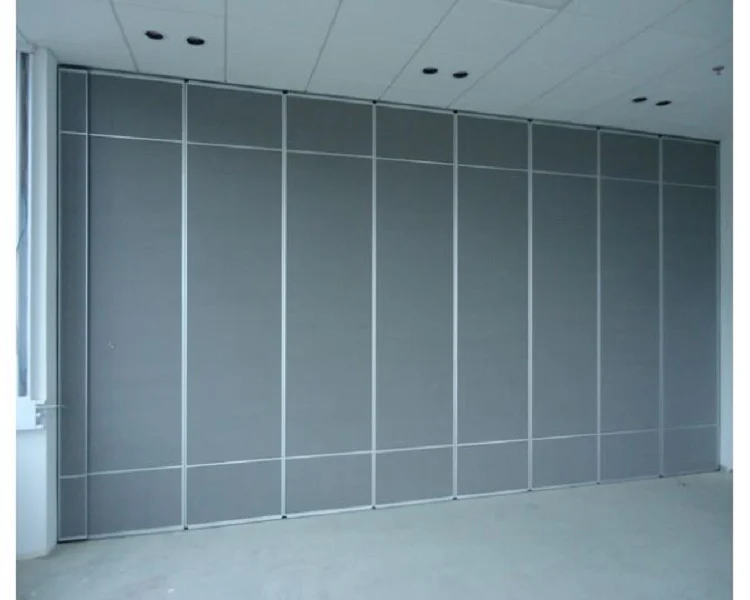
This boundary protects the facility team. It also protects the project team from making claims that the handover set cannot support.
Coordinating the Freeze Across Overseas Project Teams
Overseas projects often involve parties in different time zones and document systems. The freeze should be coordinated so that no team is left with an uncontrolled copy.
Coordination checklist
- Name one document controller for the movable partition scope.
- Agree the freeze date and the controlled set reference in writing.
- Confirm the distribution list for the freeze notice.
- Check that translated or reformatted copies carry the same status.
- Schedule a post-freeze review after the facility team has received the set.
For product context, see the movable walls product page. For general planning resources, see the resources page. Project-specific questions can be raised through contact.
Common Handover Documentation Mistakes
Most version problems come from small administrative gaps rather than technical failures. A file may be current but stored in an old folder. A drawing may be revised but not reissued. A finish schedule may be updated without a revision note.
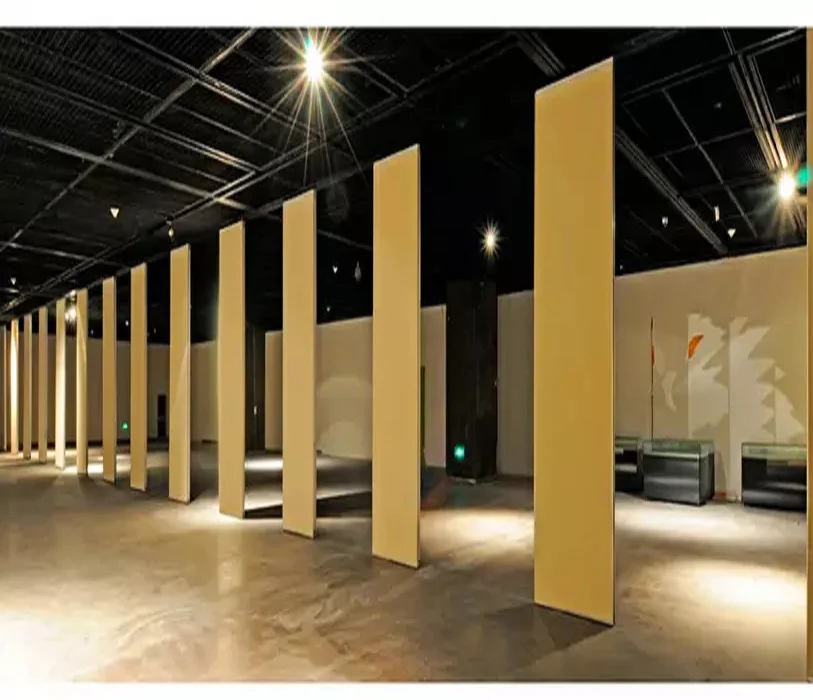
Another common mistake is treating a generic finish or application example as evidence of performance.
Finally, teams sometimes freeze too early, before pass-door requirements and interface details are coordinated. A freeze should follow the project’s readiness, not a calendar date alone.
FAQ: Movable Partition Wall Handover Document Version Freeze
What is a movable partition wall handover document version freeze?
It is the controlled point at which the project team declares one authoritative set of handover documents and withdraws earlier versions from active use.
Which documents should be included in the freeze?
Include approved layout drawings, route and stacking drawings, elevations, finish schedules, pass-door coordination notes and any correspondence that changes scope or interfaces.
How should superseded records be handled?
Move them to a clearly separated archive, mark them as superseded where possible and record the withdrawal. Do not leave them in the live folder.
Does the freeze confirm acoustic performance?
No. The freeze controls document versions.
Can the controlled set be changed after the freeze?
Yes, through the project change process. Any change should produce a new revision and a new issue record so the facility team is not working from a silent edit.
What should the facility team receive?
The facility team should receive the controlled set, a clear statement of its status and a contact route for project-specific questions.
Conclusion and Next Step
A movable partition wall handover document version freeze gives overseas B2B teams a single controlled reference. Freeze the approved set, withdraw superseded records and confirm that the facility team is working from the current version. Keep performance, support and dimensional claims tied to project-specific evidence.
To discuss pass-door requirements, project documentation or layout coordination, contact EBUNGE and confirm the requirements for your project.