
Quick answer: movable partition wall
Review focus: movable partition wall.
Movable partition wall handover document register fields give overseas project teams a controlled way to record what was issued, by whom, for which interface zone, and whether it was accepted. The register is not a substitute for project-specific drawings or approvals. It is a metadata spine that keeps documents searchable and auditable when multiple parties contribute across time zones. This article sets out a field-by-field schema for each register entry, with evidence boundaries noted where confirmation is required.
Why a Structured Register Matters on Partition Projects
Project review term: movable partition wall.
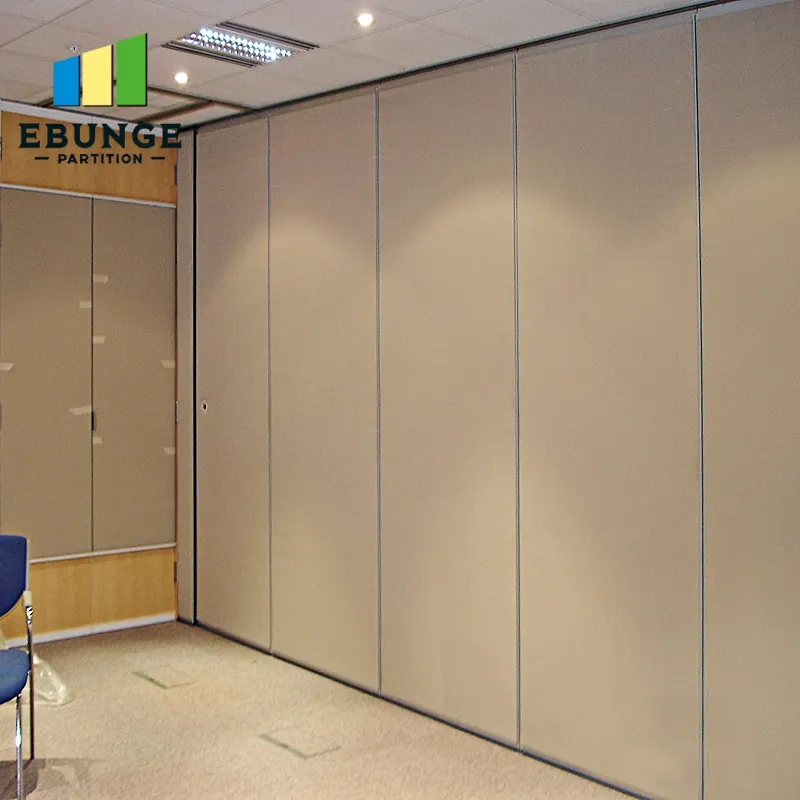
A movable partition scope touches architecture, structure, finishes, electrical coordination and operations. Panels are individually movable, suspended from a top track, cross the opening without a floor track, and park at a planned stacking position. Straight, turning and stacking routes are reviewed from the layout. Each of those interfaces can generate documents that need a consistent identity.
Without a register, teams rely on folder names and email threads. That works until a revision is superseded or a reviewer changes. Panel handling and the operating sequence must be confirmed for the selected layout and project conditions.
Core Field Groups for Every Register Entry
Coordination scope: movable partition wall.
Treat each row as one document or one controlled deliverable. Group fields so the register remains readable in a spreadsheet, a document management system or a common data environment. The five groups below cover identity, revision, originator, interface and acceptance.
Document identity fields
- Register ID: a unique, stable key for the row, independent of the file name.
- Document title: the human-readable name used in transmittals.
- Document type: drawing, specification, schedule, report, approval or correspondence.
- Discipline or package: the contributing work package.
- File reference: the controlled file name or document number.
Revision and status fields
- Revision code: the issuer’s revision identifier.
- Revision date: the date the revision was issued.
- Supersedes: the prior register ID or revision replaced by this entry.
- Status: draft, issued for review, issued for construction, as-built or superseded.
Originator and reviewer fields
- Originator role: the role that produced the document, not a personal name.
- Reviewer role: the role expected to comment or approve.
- Distribution list: the roles that received the issue.
- Transmittal reference: the covering issue record.
Interface zone reference fields
- Zone or room reference: the space or opening the document relates to.
- Interface type: top track route, parking position, finish interface or adjacent construction.
- Related register IDs: cross-references to linked documents.
Acceptance status fields
- Acceptance state: pending, commented, accepted or accepted with comments.
- Acceptance date: the date the state changed.
- Comment reference: where review comments are logged.
- Close-out note: a short statement of what remains open.
Metadata Schema in Practice: A Compact Comparison
Checklist focus: movable partition wall.
The table below shows how the same field groups behave in three common register formats. Choose the format that matches the project’s document control environment, then keep field names stable across the project.
| Field group | Spreadsheet register | Document management system | Common data environment |
|---|---|---|---|
| Identity | Manual unique ID column | System-generated document number | Container plus metadata key |
| Revision | Revision and date columns | Version history | Revision and suitability codes |
| Originator | Role column | Author and owner fields | Originator and checker roles |
| Interface zone | Zone reference column | Folder or tag structure | Zone attribute or linked model reference |
| Acceptance | Status and date columns | Workflow state | Approval and acceptance records |

Evidence Boundaries: What the Register Should Not Claim
A register records document control facts. The suitability of each route and parking arrangement depends on the approved layout, circulation, ceiling interfaces and operating sequence.
Similarly, the register should not infer support capacity, load paths or fixing details from a drawing title. Those items require project-specific review. Where a document is listed as issued for review, the register should say so plainly rather than imply approval.
Evidence note: a register entry confirms that a document exists and has a status. It does not confirm that the described performance, dimension or installation condition has been verified for the project.
Building the Register: A Numbered Process
- Agree the field groups and field names with the project document control lead before the first issue.
- Define the zone or room reference convention and apply it consistently to every entry.
- Assign a unique register ID to each document and record the originator role.
- Record revision code, revision date and the superseded entry where applicable.
- Link each entry to its interface zone and to related register IDs.
- Update acceptance state and date whenever a review outcome is recorded.
- Review the register at each coordination milestone and close out superseded rows.
Coordinating Across Overseas Teams
Overseas coordination adds time-zone and language variables. Keep field values short and controlled, and avoid free-text status descriptions that different teams interpret differently. Where a project uses a common data environment, map the register fields to the environment’s metadata rather than duplicating them.
For product context, the movable wall systems page describes the top-hung, floor-track-free operating concept. Additional planning references are available in the resources library. Project-specific support, acoustic and dimensional requirements should be confirmed with the project team and, where relevant, with EBUNGE through the contact channel.

Common Field Design Mistakes to Avoid
- Using file names as the only identifier, which breaks when files are renamed.
- Mixing revision code and status in one column.
- Recording personal names instead of originator roles.
- Omitting the superseded entry, which hides the revision chain.
- Leaving interface zone blank, which makes cross-discipline search unreliable.
- Treating acceptance as a single yes or no rather than a state with a date.
Frequently Asked Questions
What is the minimum set of movable partition wall handover document register fields?
At minimum, include a unique register ID, document title, document type, revision code, revision date, originator role, interface zone reference, acceptance state and acceptance date. These fields keep each entry identifiable, traceable and searchable.
Should the register include acoustic ratings such as STC or Rw?
The register can reference the project’s acoustic documentation, but it should not restate a rating as a register fact.
How should interface zones be named?
Use the project’s own room or zone naming convention and apply it consistently. If the layout includes straight, turning and stacking routes, each route can be referenced through the zone field so related documents remain grouped.
Who should own the register?
Ownership depends on the contract and document control structure. A common approach is for the party responsible for document control to maintain the register, with originator roles recorded for each entry and reviewers identified by role rather than by name.
How often should the register be updated?
Update it whenever a document is issued, revised or reviewed. A periodic review at coordination milestones helps close out superseded entries and keeps the acceptance status current.
Can the register be used as proof of compliance?
No. The register is a document control record.
Conclusion and Next Step
A well-structured register turns handover documentation into a searchable, auditable asset. By separating identity, revision, originator, interface zone and acceptance fields, overseas teams can coordinate movable partition wall projects without inventing performance claims or losing the revision chain. Confirm project-specific support, acoustic and dimensional requirements with the responsible parties before relying on any register entry as a design or compliance statement.
To discuss pass-door requirements, project documentation or layout review for a movable partition scope, contact EBUNGE and share the project drawings for coordinated review.