
Quick project answer
Review focus: document acceptance test script.
A movable partition wall document acceptance test script is a written, repeatable method for checking each closeout record against defined criteria before the facility team signs off. It turns a subjective document review into a pass, fail or hold decision. This matters because movable partition panels are individually movable, suspended from a top track, cross the opening without a floor track, and park at a planned stacking position. Those characteristics create specific documentation needs around routes, finishes, pass doors and project-specific support and acoustic requirements. The script below helps overseas contractors, architects, designers, owners and renovation teams detect gaps early, while corrections are still practical. It does not replace project-specific engineering review, and it does not certify performance.
Why a Document Acceptance Test Script Belongs in Handover Planning
Project review term: document acceptance test script.
Handover often fails quietly. A folder arrives, someone checks that files exist, and sign-off proceeds. Later, the facility team cannot confirm which finish was approved, how the stacking position was coordinated, or whether pass-door requirements were captured. A script prevents this by defining, in advance, what a complete record looks like and who can accept it.
The script is not a performance test. It is a document test. The suitability of each route and parking arrangement depends on the approved layout, circulation, ceiling interfaces and operating sequence. The exact overhead route and support arrangement must be confirmed by the responsible project team from coordinated drawings.
Define the Document Set Before Writing Any Test
Coordination scope: document acceptance test script.
Start by listing every record the project intends to hand over. The list should be agreed by the contractor, designer, owner representative and facility team. For movable partition wall projects, typical categories include layout and route drawings, finish schedules, pass-door coordination records, and project-specific confirmation notes for support and acoustic requirements.
Do not write acceptance criteria for a document type until the team agrees on its purpose. A finish schedule cannot be tested for cleaning compatibility unless that was separately confirmed. The script should state the intended use of each record and test only against that use.
Evidence note: what a document can and cannot prove
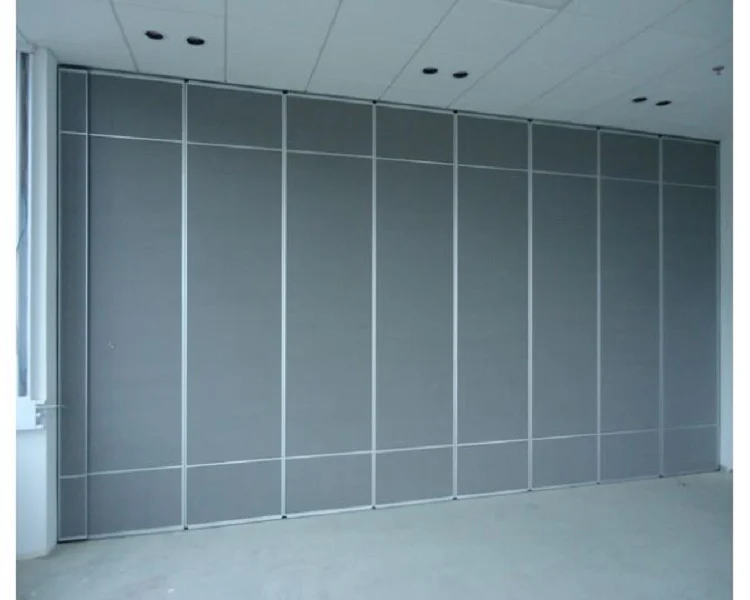
A document proves that information was recorded and approved. It does not prove acoustic performance, structural capacity, durability or cleaning compatibility unless the matching project-specific evidence is attached and reviewed. Treat visible shapes, finishes and photographs as coordination information, not as hidden performance evidence.
Build the Acceptance Test Script in Six Steps
Checklist focus: document acceptance test script.
- Name the record. Give each document a unique identifier, title, revision and issue date.
- State the criterion. Write one testable statement per record, such as ‘the stacking position shown matches the approved layout revision’.
- Define the evidence. Specify what must be attached, signed or cross-referenced for the criterion to pass.
- Assign the tester. Name the role responsible for the first check and the role that confirms it.
- Set the result. Use pass, fail or hold. A hold means the record cannot be accepted until a named item is resolved.
- Record the outcome. Log the result, date, tester and any corrective action in a single register.
This structure keeps the script short enough to run and specific enough to defend. It also makes non-conforming records visible before sign-off rather than after occupancy.
Test Each Document Type Against Defined Criteria
Review focus: document acceptance test script.
Different records fail for different reasons. A route drawing may be complete but inconsistent with the approved layout. A finish schedule may list approved surfaces but omit the room-by-room allocation. A pass-door record may exist without confirming the required configuration. The script should test each type against its own criteria.
Layout, route and stacking records
Confirm that straight, turning and stacking routes are reviewed from the layout. Check that the overhead route is shown as continuous and connected where panels travel. The exact route, junction arrangement, continuous overhead path and parking position must be confirmed from the coordinated project drawings. Confirm that the parking or stacking position is shown and coordinated with adjacent trades.
Finish and surface records
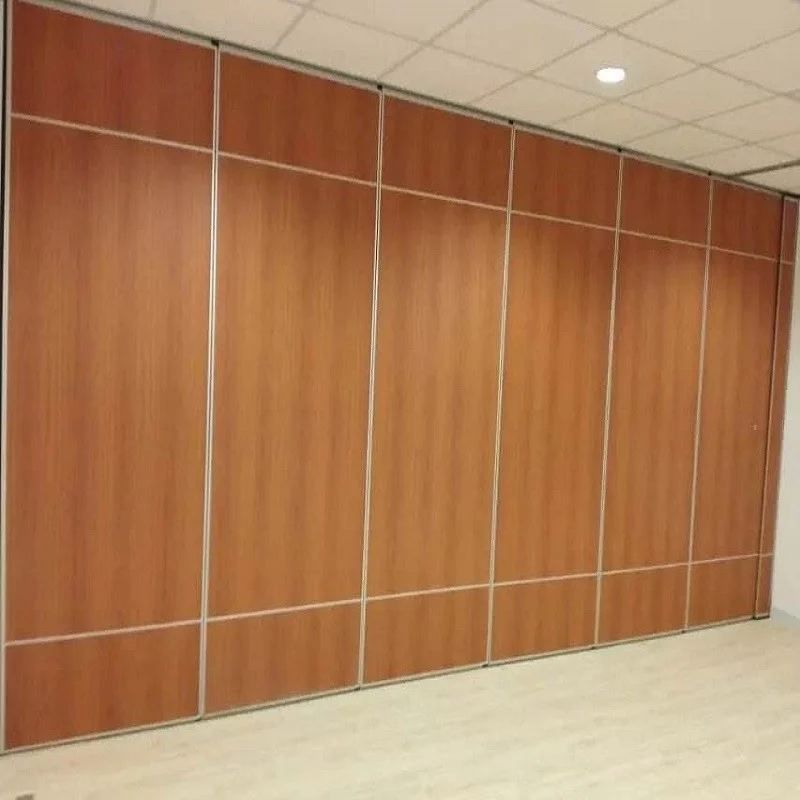
Confirmed finish options include laminate, melamine, fabric, leather, glass and other approved surfaces. The acceptance test should verify that each specified finish is listed with its location, that substitutions are documented, and that no finish is treated as evidence of acoustic, fire or cleaning performance unless separately confirmed.
Pass-door and access records
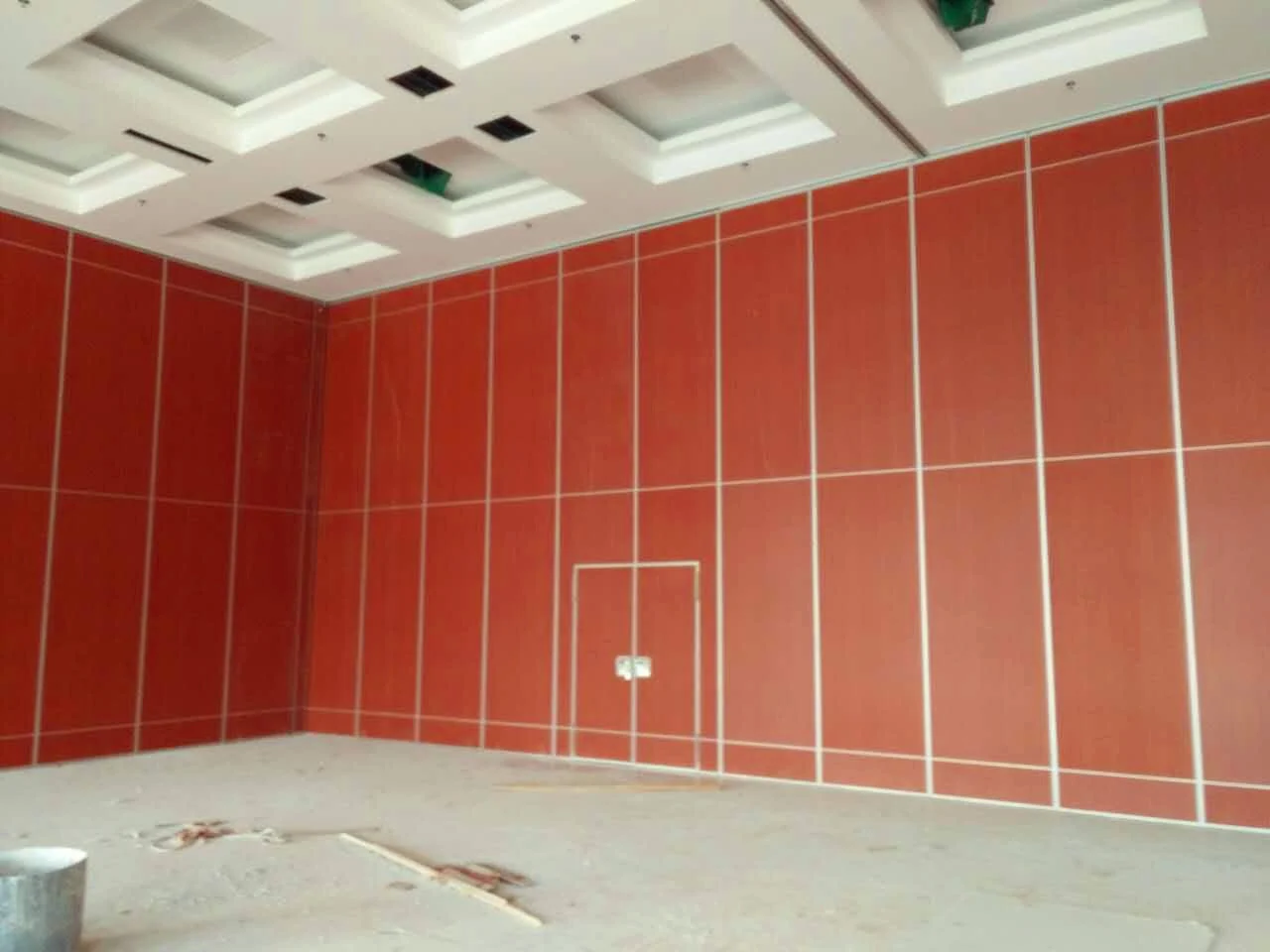
Pass-door requirements can be discussed as part of project planning. The script should confirm that any pass-door requirement is recorded, coordinated with the panel layout, and traceable to the approved drawing revision.
Run the Script as a Controlled Review, Not a Conversation
Project review term: document acceptance test script.
A script only works if it is run the same way each time. Schedule the review before the facility team sign-off meeting. Provide the document register in advance. Ask each tester to complete their assigned checks and record pass, fail or hold with a date.
During the review, resolve only two questions: does the record meet the stated criterion, and if not, what specific action closes the gap? Avoid reopening design decisions unless the record contradicts the approved layout. Keep minutes that reference document identifiers and revisions.
Decision checklist for the review chair
- Is every required document present in the register?
- Does each document carry a revision and issue date?
- Does each criterion have a named tester and a recorded result?
- Are all holds assigned to a responsible person with a target closeout date?
- Are project-specific support and acoustic requirements confirmed in writing where the project relies on them?
- Is the final register signed by the roles authorised to accept it?
Handle Non-Conforming Records Before Sign-Off
A failed or held record is not a project failure. It is the script working. The important step is to prevent a hold from being treated as an informal note. Each hold should name the missing item, the person responsible and the date by which it will be resolved.
Where a record cannot be completed before sign-off, the facility team should decide whether to accept it conditionally or defer sign-off for that item. That decision should be documented. Do not allow a verbal assurance to replace a missing record, especially for support, acoustic or dimensional requirements that were confirmed for the project.
Keep the Script Alive After Handover
The script should not be archived and forgotten. Facility teams can reuse it when panels are reconfigured, when rooms change function, or when new finishes are proposed. Reusing the same criteria keeps later changes traceable to the original approved documentation.
If the project includes future phases, update the register rather than creating a separate folder. Panel handling and the operating sequence must be confirmed for the selected layout and project conditions.
Frequently Asked Questions
What is a movable partition wall document acceptance test script?
It is a written method for checking each handover document against defined criteria and recording a pass, fail or hold result before facility team sign-off.
Does the script test acoustic performance?
No. It tests whether the required documentation is present and traceable.
Which documents should be included?
Include layout and route drawings, stacking position records, finish schedules, pass-door coordination records, and written confirmations for project-specific support and acoustic requirements. The exact set depends on the project.
Who should run the acceptance test?
The contractor, designer and owner representative typically run the first checks, with the facility team confirming that the records meet their operational needs. Roles should be named in the script.
What happens when a record fails?
The record is marked fail or hold, a corrective action is assigned, and the item is re-tested. Sign-off should not proceed on unresolved items unless the facility team documents a conditional acceptance.
Can the script be used for renovation projects?
Yes. The same structure works for renovations, provided the document set reflects existing conditions and the approved layout revision for the new work.
Conclusion: Test Documents Before You Sign
A document acceptance test script gives project teams a disciplined way to verify that each closeout record meets defined criteria before facility team sign-off. It keeps attention on evidence, revision control and traceability rather than assumptions. Because movable partition panels are top-hung and move without a floor track, the layout, route and stacking records deserve particular care, alongside finish, pass-door and project-specific confirmation records.
Confirm project-specific support, acoustic and dimensional requirements with the relevant specialists before finalising the register. To discuss pass-door requirements, project documentation or movable wall configuration for your next project, contact the EBUNGE team. You can also review movable wall products and browse project planning resources for further guidance.