
Quick project answer
Review focus: partition interface query register.
Architect partition interface query register upkeep is the discipline of keeping every open question about a movable partition interface visible, owned and traceable from concept design through handover. On projects with top-hung panels, the register is not a one-off checklist. It is a living coordination tool that records what has been confirmed, what still needs project-specific review, and which drawing or document closes each item. This article offers an evidence-bounded framework for maintaining that register without turning assumptions into specifications.
Why a Partition Interface Query Register Matters
Project review term: partition interface query register.
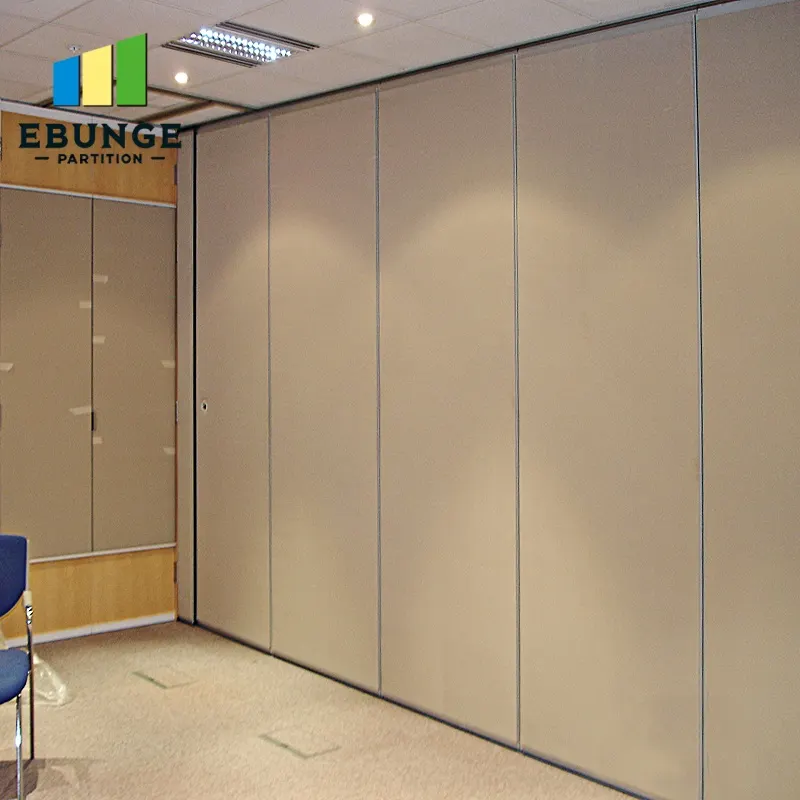
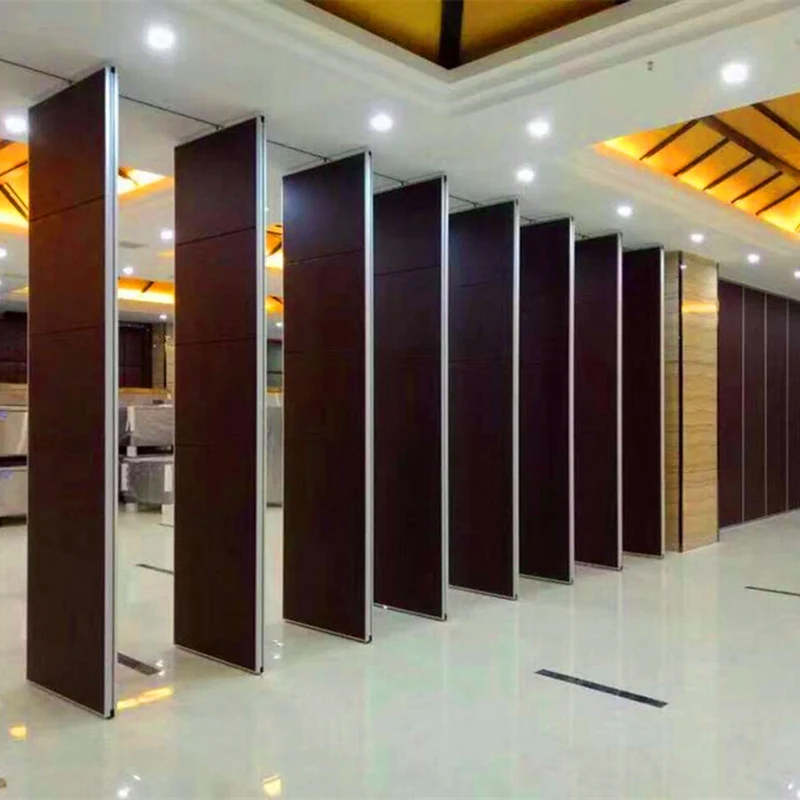
Movable wall panels are individually movable, suspended from a top track, cross the opening without a floor track, and park at a planned stacking position. Each of those characteristics touches other trades: structure, ceiling, finishes, fire strategy, acoustics and operations. When a query is answered only in a meeting minute, it can disappear from the next drawing issue.
A register keeps interface questions in one controlled location. It also separates confirmed product facts from project-specific requirements that still need review. That separation protects the design team from implying performance that has not been demonstrated for the actual opening, support condition or layout.
What Belongs in the Register
Coordination scope: partition interface query register.
Start with the movement concept. Straight, turning and stacking routes should be reviewed from the layout, because every proposed path requires a continuous connected overhead route and project-specific support review. Record the route as a query until the layout and support strategy are confirmed.
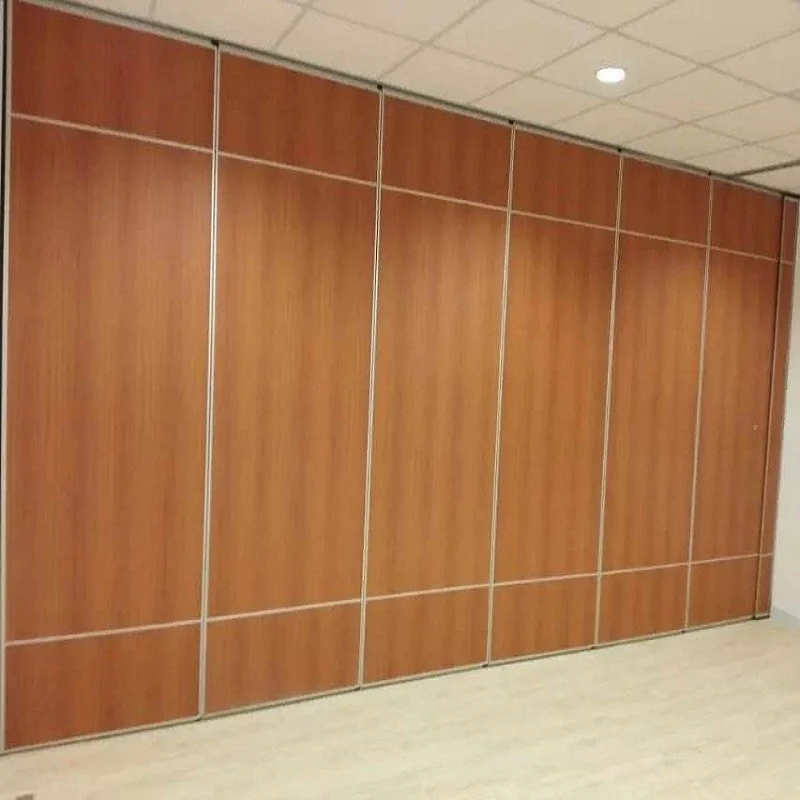
Then capture the visible and specified interfaces. Confirmed finish options include laminate, melamine, fabric, leather, glass and other approved surfaces. The register should note where a finish is proposed, but it should not treat a finish sample as evidence of acoustic, fire, durability or maintenance performance.
Core query categories
- Route and parking: straight run, turning condition, stacking position and clearance to adjacent elements.
- The suitability of each route and parking arrangement depends on the approved layout, circulation, ceiling interfaces and operating sequence.
- Pass-door needs: location, swing, hardware coordination and egress strategy, to be discussed with the supplier.
- Finish and visual interfaces: approved surface, adjacent materials, junctions and sample status.
- Documentation: drawings, schedules, approvals and the evidence needed to close each item.
A Simple Upkeep Cycle for Design Teams
Checklist focus: partition interface query register.
The register only works if it is reviewed on a predictable rhythm. Tie each review to a design stage or information exchange so queries do not age silently between meetings.
- Capture: log every interface question as it arises, with a unique reference and the drawing or model view where it appears.
- Classify: mark each item as confirmed product fact, project-specific requirement, or open evidence gap.
- Assign: name the party responsible for the answer and the date by which it is needed.
- Verify: check that the answer is supported by the correct drawing, schedule or supplier confirmation.
- Close and reissue: update the register, reflect the decision in the next drawing issue, and archive the evidence trail.
Evidence Boundaries Every Architect Should Mark
An interface register is also a boundary document. It should state clearly what a drawing, photograph or finish sample does not prove. Visible references can support layout discussion but do not verify hidden construction or performance.
Where a query depends on project-specific support, acoustic or dimensional requirements, the register should say so and route the item to the appropriate reviewer. This is not a delay tactic; it is how the design team avoids converting an assumption into a commitment.
Evidence note: what to record before closing a query
Close an interface query only when the answer identifies the applicable drawing or document, the party who confirmed it, the date of confirmation, and any remaining project-specific condition that still requires review. If the answer relies on a generic example, keep the query open or restate it as a design assumption.
Coordinating the Register Across Project Stages
During concept design, the register may hold only route and parking questions. As the design develops, it should absorb support interfaces, finish junctions and pass-door requirements. At tender, it becomes a check that the specification does not promise performance beyond the available evidence.
During construction, the register should track field conditions that differ from the coordinated layout. A revised stacking position or a changed ceiling condition is an interface query, not a minor site note. Recording it keeps the as-built story consistent with the design intent.
Compact comparison: register states
| State | Meaning | Action |
|---|---|---|
| Confirmed | Supported by maintained product facts or approved project documentation | Reference the evidence and close |
| Project-specific | Depends on layout, support, acoustic or dimensional review | Assign reviewer and target date |
| Open evidence gap | No matching evidence yet | Keep open; do not specify as fact |
Common Upkeep Mistakes to Avoid
One frequent mistake is treating the register as a meeting-minute appendix. If it is not a controlled document with references and owners, it will not survive a drawing issue. Those are separate questions with separate evidence needs.
The exact route, junction arrangement, continuous overhead path and parking position must be confirmed from the coordinated project drawings. Every proposed movement path requires a continuous connected overhead route and project-specific support review. The register should flag any layout that appears to break that continuity.
Frequently Asked Questions
What is a partition interface query register?
It is a controlled list of open questions about how a movable partition meets adjacent structure, ceilings, finishes, routes and documentation. It records the owner, the evidence and the closure status of each item.
Who should maintain the register?
The design lead usually owns the register, but each query should have a named responder. Contractors, suppliers and specialist reviewers contribute answers within their scope.
Can a finish sample close an acoustic query?
No. A finish sample confirms appearance and surface selection only.
How often should the register be reviewed?
Review it at each design stage, before tender issue and at regular construction coordination points. The right frequency depends on project pace and the number of open interfaces.
What should happen when a query cannot be answered yet?
Keep it open, restate it as a design assumption if necessary, and record the project-specific condition that must be reviewed. Do not close it with a generic example.
Does the register replace project-specific engineering review?
No. It organizes and tracks that review. The exact overhead route and support arrangement must be confirmed by the responsible project team from coordinated drawings.
Keeping the Register Useful Over Time
A live register should be short enough to read and specific enough to act on. Use consistent references, avoid duplicating the same query under different names, and archive closed items with their evidence. When a query is reopened, link it to the original reference so the history remains clear.
For product context, review the movable wall systems page and the technical resources library.
Conclusion
Architect partition interface query register upkeep is a coordination habit, not a paperwork exercise. By separating confirmed product facts from project-specific requirements and open evidence gaps, architects can keep drawings honest and decisions traceable. Review the register at every stage, close queries only with matching evidence, and flag any route or support condition that still needs review.
To discuss pass-door requirements, finish options or project documentation for a specific opening, contact the EBUNGE team and share your layout for review.