
Quick project answer
Review focus: architect partition interface query drawing sheet mapping.
Architect partition interface query drawing sheet mapping is the discipline of placing every movable wall question on the exact drawing sheet where a reviewer can answer it. For overseas project teams, the goal is not to solve acoustics or structure in a blog post. It is to create a traceable path from a query to a sheet, a responsible party and a confirmation boundary. This article offers an evidence-bounded workflow. It uses maintained EBUNGE product facts and avoids unsupported performance, engineering or commercial conclusions. Every project still needs its own support, acoustic and dimensional review.
Why Interface Queries Get Lost Between Sheets
Project review term: architect partition interface query drawing sheet mapping.
Movable partitions touch architecture, structure, finishes, ceilings and adjacent rooms. The suitability of each route and parking arrangement depends on the approved layout, circulation, ceiling interfaces and operating sequence. When the query lives only in an email, the drawing set does not show who owns the answer.
Mapping queries to sheets makes the design intent visible. Visible references can support layout discussion but do not verify hidden construction or performance. Those properties require project-specific confirmation.
Start With the Maintained Product Facts
Coordination scope: architect partition interface query drawing sheet mapping.
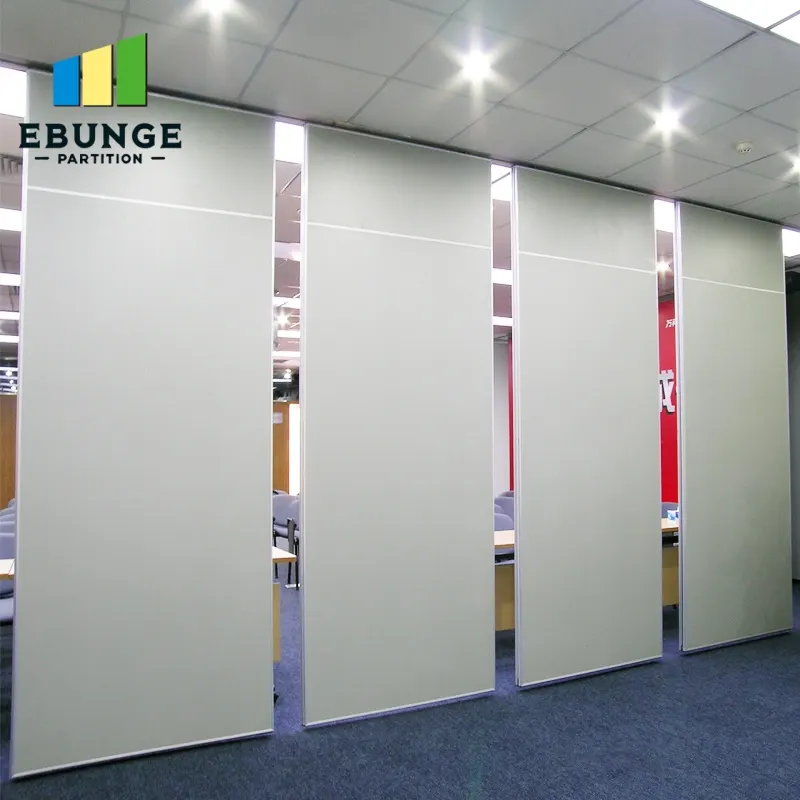
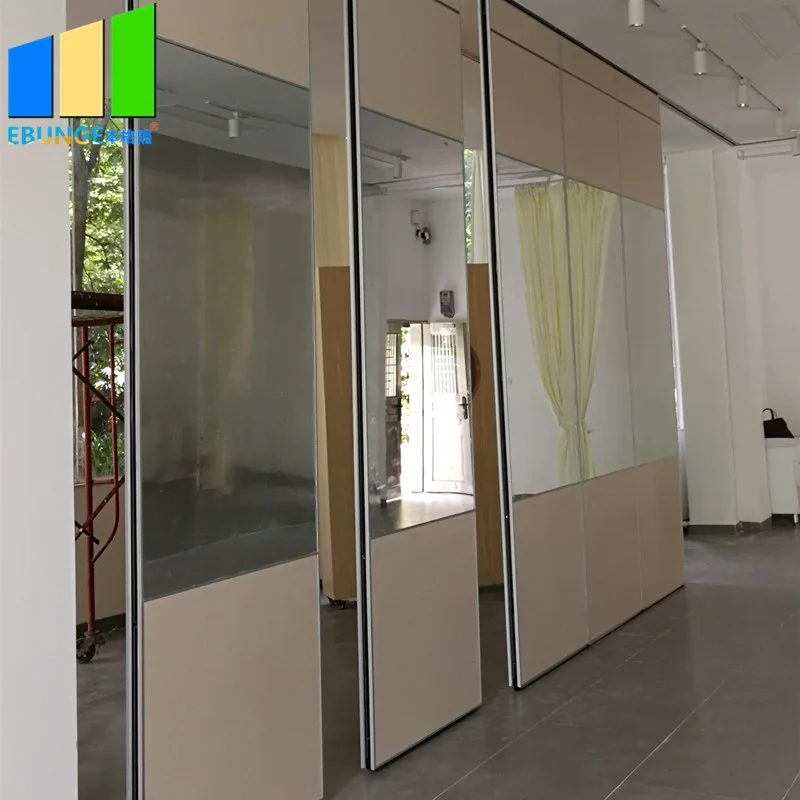
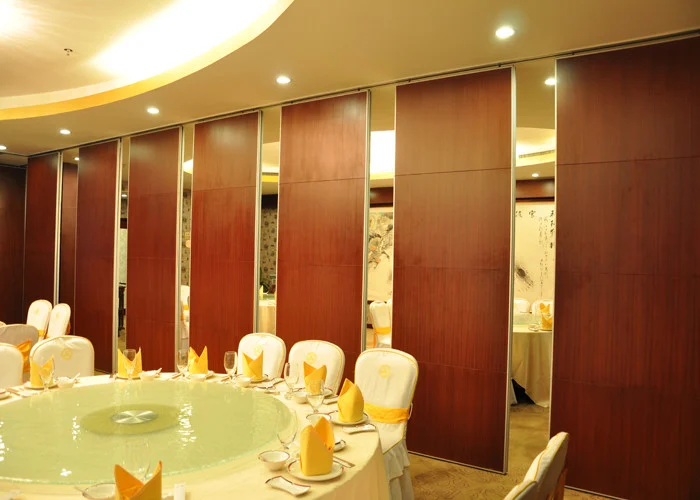
EBUNGE movable wall panels are individually movable and suspended from a top track. They cross the opening without a floor track and park at a planned stacking position. Straight, turning and stacking routes are reviewed from the layout. Confirmed finish options include laminate, melamine, fabric, leather, glass and other approved surfaces. Pass-door requirements and project documentation can be discussed.
These facts define the interface questions. Keep that distinction on every sheet.
A Six-Step Mapping Workflow for Drawing Sets
- List every interface query. Capture questions about the top track, opening width, parking position, finish transitions, pass doors and adjacent construction.
- Assign each query to a sheet. Use the sheet where the condition is drawn, not where the question was first asked.
- Name the confirmation owner.
- Mark the evidence boundary. State what is known from maintained product facts and what requires project-specific review.
- Link related sheets. Cross-reference plan, elevation, section and ceiling sheets so a reviewer can follow the route.
- Record the response. Update the sheet or issue a coordinated response so the query does not reopen later.
Decision Checklist for Sheet-Level Coordination
- Does the drawing show a continuous connected overhead route for every proposed movement path?
- Is the parking position shown on the same sheet as the opening it serves?
- Are finish transitions noted without implying acoustic or fire performance?
- Is the pass-door requirement identified for project-specific discussion?
- Does the sheet state which support, acoustic and dimensional items remain to be confirmed?
- Is the responsible party named for each open query?
Where Acoustic and Support Questions Belong
If a project needs an acoustic target, the drawing should point to the project-specific acoustic review rather than assert a result.
Support questions follow the same rule. The exact overhead route and support arrangement must be confirmed by the responsible project team from coordinated drawings. Do not infer load capacity from a finish sample or a photograph.
Common Mapping Mistakes to Avoid
One mistake is placing a partition query only on a finish schedule. The exact route, junction arrangement, continuous overhead path and parking position must be confirmed from the coordinated project drawings. A third is treating a generic application example as evidence of a application reference.
Use a compact comparison to keep the drawing set honest.
| Query type | Primary sheet | Evidence boundary |
|---|---|---|
| Top track and support | Section and structural coordination | Project-specific engineering review |
| Opening and parking | Plan and elevation | Layout review with supplier |
| Finish transition | Interior elevation | Approved surface confirmation |
| Acoustic intent | Acoustic notes sheet | Project-specific acoustic review |
How to Write an Evidence Note on a Drawing
Confirmed: panels are top-hung and move without a continuous floor track. To be confirmed: support, acoustic and dimensional requirements for this opening. Refer to the project-specific review before construction.
This note keeps the drawing useful without inventing performance. It also gives the contractor a clear next step.
Coordinating With Contractors and Suppliers
Send the mapped query list with the relevant sheet extracts. Ask each party to respond against the sheet reference, not in a separate thread. For product context, review the movable walls page and the resources section. If a query needs project documentation, use the contact page to start that discussion.
Keep the language neutral. State what is confirmed, what is pending and who owns the next action.
FAQ: Architect Partition Interface Query Drawing Sheet Mapping
What is architect partition interface query drawing sheet mapping?
It is the practice of linking each movable partition interface question to the drawing sheet where it can be reviewed, answered and tracked.
Which drawing sheets usually carry partition interface queries?
The right sheet depends on the query.
Can a finish sample confirm acoustic performance?
No. A finish sample shows a surface option.
How should a parking position be shown?
Show it on the layout where the panels will stack, and confirm the route and support with the project team.
What should an evidence note include?
It should separate confirmed product facts from items that still require support, acoustic and dimensional confirmation.
When should the supplier be involved?
Involve the supplier when the query affects layout, finish, pass doors or project documentation. Early coordination reduces rework.
Conclusion: Keep Every Query Traceable
Architect partition interface query drawing sheet mapping is a coordination habit. List the query, assign the sheet, name the owner and mark the evidence boundary. Use maintained EBUNGE facts for product context, and confirm support, acoustic and dimensional requirements for each project.
Ready to map your next partition interface query? Contact EBUNGE to discuss your project documentation and layout review.