
Quick answer: track interface assumption
Review focus: track interface assumption.
The architect coordination track interface assumption log is a simple project record that captures what the ceiling design assumes about the movable partition track before drawings are issued for coordination. It is not a performance certificate or a substitute for engineering review. It is a written checkpoint that helps architects, contractors and owners compare assumptions early, while changes are still inexpensive to coordinate. The suitability of each route and parking arrangement depends on the approved layout, circulation, ceiling interfaces and operating sequence.
Why Freeze Ceiling Drawings Only After Logging Track Assumptions
Project review term: track interface assumption.
Ceiling drawings often freeze before the movable partition supplier has confirmed the track route. A track interface assumption log gives the design team a single place to record what is known, what is assumed and what still requires project-specific confirmation.
It creates a traceable list of interface items so that unanswered questions are visible before the ceiling package is finalized. The exact route, junction arrangement, continuous overhead path and parking position must be confirmed from the coordinated project drawings.
What the log should contain
- Track route description: straight, turning or stacking path as shown on the layout.
- Ceiling zone reserved for the track and any related closure or finish condition.
- Parking position and the space allocated for stacked panels.
Separating Maintained Product Facts from Project Assumptions
Coordination scope: track interface assumption.
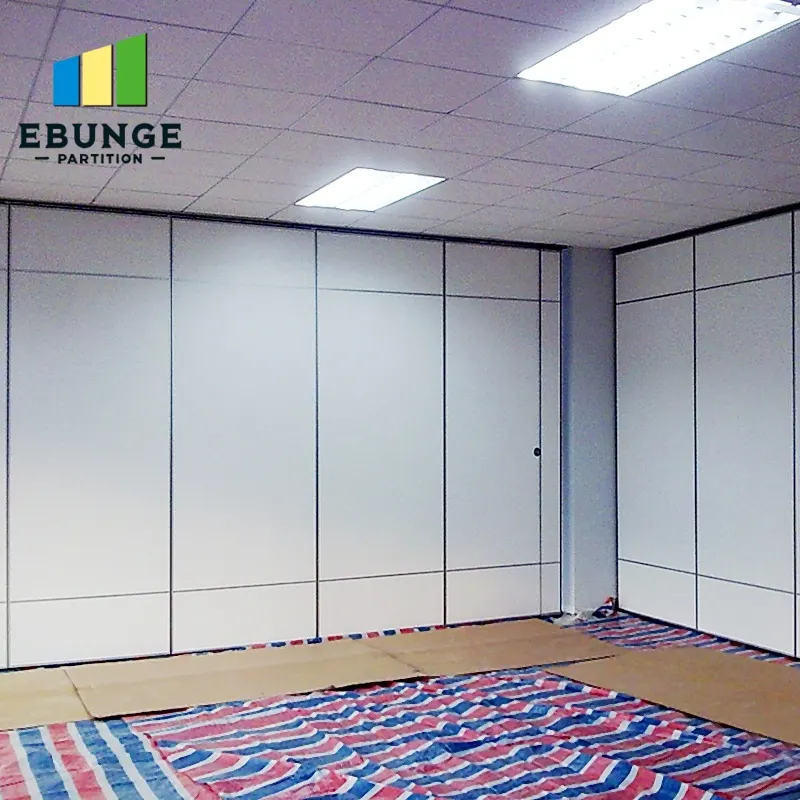
EBUNGE movable wall panels are individually movable, suspended from a top track, cross the opening without a floor track and park at a planned stacking position. These are maintained product facts. They describe how the system is intended to operate, not how a specific building will perform.
Project assumptions are different. The ceiling zone available for the track, the support condition above the ceiling, the route geometry and the parking clearance are all project-specific. The log should label each item as confirmed, assumed or open. That labeling prevents a drawing note from being mistaken for a verified condition.
Evidence note: what a drawing cannot prove
Do not infer acoustic, fire, durability, load or maintenance performance from a visible track line, finish sample or layout drawing. Those topics require matching project evidence and separate confirmation.
A Step-by-Step Logging Workflow for Design Teams
The most reliable time to start the log is during early layout development, before ceiling coordination begins. The workflow below keeps the log useful without turning it into a second set of drawings.
- Mark the proposed partition line and identify every straight, turning and stacking route on the layout.
- Record the assumed support location and mark it as requiring project-specific confirmation.
- Note the parking position and the ceiling zone it occupies.
- Add finish assumptions using only confirmed finish options such as laminate, melamine, fabric, leather, glass or other approved surfaces.
- Flag pass-door requirements and any documentation needed for the project.
- Review the log with the contractor and partition supplier before ceiling drawings are frozen.
- Update the log when the layout, ceiling zone or support strategy changes.
Coordinating the Track Route with Ceiling Services
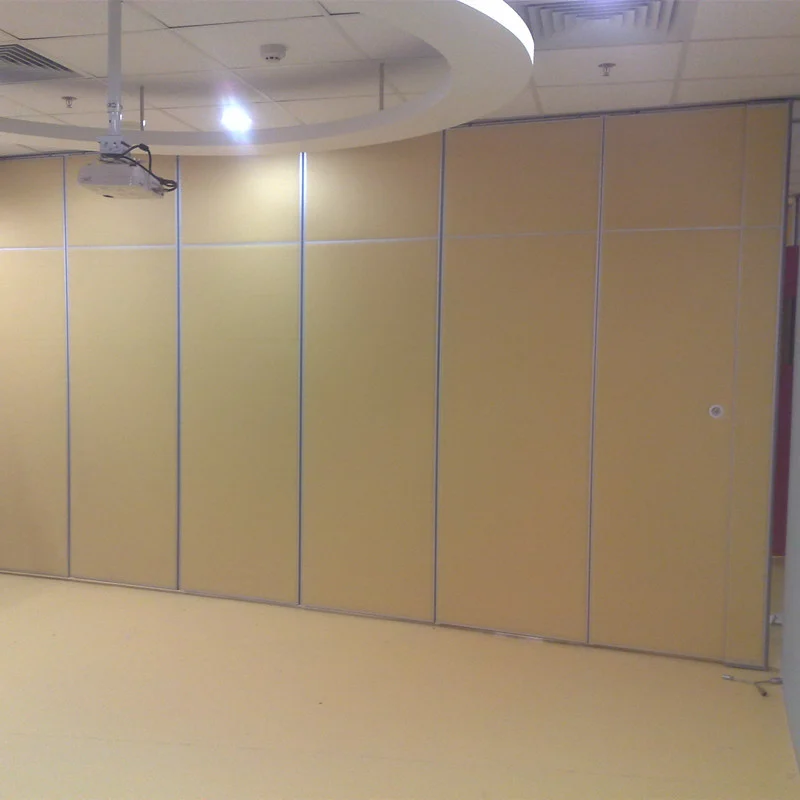
Ceiling services compete for the same zone as the track. Lighting, sprinklers, air devices and access panels may all sit near the partition line. The log should identify where the track route passes through or near these services so that the design team can coordinate clearances before the ceiling is closed.
If the layout shows a change of direction, the log should record how the route is expected to continue and which party will confirm the support condition.
Questions to resolve before freezing
- Does the ceiling zone provide enough space for the track and its connection to the support structure?
- Are there conflicts with services that require relocation or coordination?
- Is the parking position reachable along a continuous overhead route?
- Has the structural engineer reviewed the proposed support interface?
- Are pass-door locations and swing clearances recorded?
Using the Log to Manage Finish and Documentation Assumptions
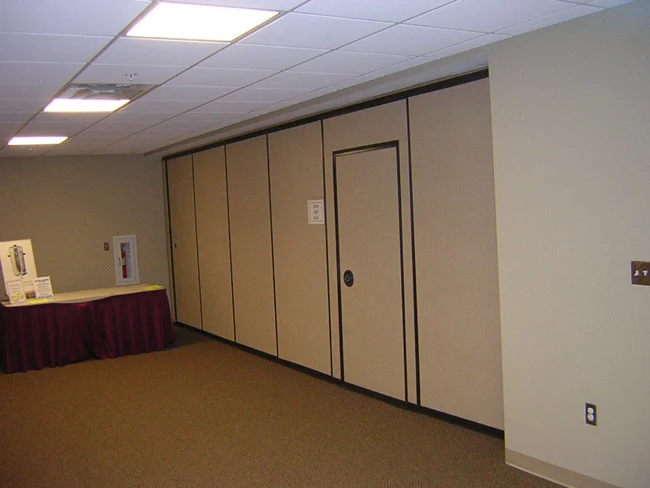
Visible references can support layout discussion but do not verify hidden construction or performance. Confirmed finish options include laminate, melamine, fabric, leather, glass and other approved surfaces. The log can record which finish is assumed for each panel face and whether a sample or approval is still pending.
Documentation should also be tracked. Project teams may need to discuss pass-door requirements, layout drawings, interface details and other project documentation. The log can list which documents have been requested and which remain outstanding, without implying that any document has been approved.
Compact comparison: assumption status
| Status | Meaning | Action before ceiling freeze |
|---|---|---|
| Confirmed | Supported by project-specific review or approved document | Record reference and date |
| Assumed | Reasonable for planning but not verified | Assign owner and confirm |
| Open | Missing information or unresolved conflict | Resolve or carry as a formal open item |
Common Coordination Gaps the Log Should Expose
Most track interface problems are not technical mysteries. They are unrecorded assumptions. A ceiling drawing may show a track line without showing the support condition above it. A layout may show a parking position without confirming that the overhead route is continuous. A finish schedule may name a surface without confirming that it is an approved option for the project.
The log exposes these gaps by forcing each assumption into a status category. It also gives the contractor and supplier a clear list of items to review. When the log is updated alongside the drawings, the project team can see which assumptions have been closed and which remain open.
What to do when an assumption cannot be confirmed
If an assumption cannot be confirmed before the ceiling freeze, record it as open and describe the consequence. The log should not convert an open item into a performance claim.
Frequently Asked Questions
What is an architect coordination track interface assumption log?
It is a project record that lists what the ceiling and partition design assume about the track route, support interface, parking position and related documentation before ceiling drawings are frozen.
Does the log replace structural or acoustic engineering?
No. It is a coordination tool.
Can the log be used for straight, turning and stacking routes?
Yes. The log should describe each route type shown on the layout and record the overhead path, support interface and parking position for each.
How should finish options be recorded?
Record only confirmed finish options such as laminate, melamine, fabric, leather, glass or other approved surfaces. Do not treat a finish as evidence of acoustic, durability or maintenance performance.
When should the log be updated?
Update it whenever the layout, ceiling zone, support strategy, parking position or documentation status changes, and review it before ceiling drawings are issued.
What if the support condition is unknown?
Mark it as open, assign an owner and avoid freezing the affected ceiling zone until the project-specific review is complete.
Conclusion: Log Assumptions Before the Ceiling Freezes
A track interface assumption log helps architects keep movable partition coordination visible and traceable. It separates maintained product facts from project assumptions, records open items and gives the design team a clear review point before ceiling drawings are finalized. For top-hung systems, the most important entries are the overhead route, support interface, parking position and documentation status.
To discuss your project layout, pass-door requirements or documentation needs, contact EBUNGE. You can also review the movable partition wall product page and the resources section for general planning context. Confirm all project-specific support, acoustic and dimensional requirements with the appropriate parties before construction.