
Quick project answer
Review focus: track interface query aging report.
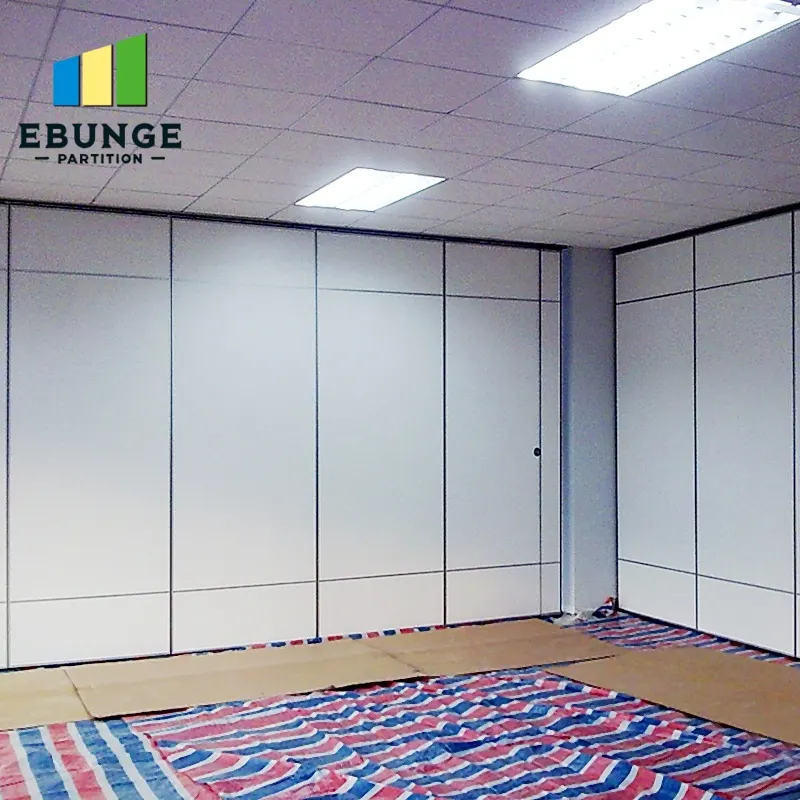
An architect coordination track interface query aging report is a simple register that tracks unresolved questions about the overhead track interface before drawings are issued. It helps the design team see which queries are new, which are aging, and which need project-specific confirmation. For top-hung movable partitions, the track is the critical coordination line: panels are individually movable, suspended from a top track, cross the opening without a floor track, and park at a planned stacking position. This article explains how to run that report without inventing performance, engineering, or commercial conclusions.
Why the Track Interface Needs Its Own Query Register
Project review term: track interface query aging report.
The suitability of each route and parking arrangement depends on the approved layout, circulation, ceiling interfaces and operating sequence. A query about the overhead route is not the same as a query about finishes or door hardware. If it is buried in a general RFI log, it can age quietly while drawing issue approaches.
A dedicated register keeps the focus on the continuous overhead route, the planned parking position, and the relationship between the track and adjacent construction. It also makes the evidence boundary visible: the register records what is known, what is assumed, and what still requires project-specific review.
What Counts as a Track Interface Query
Coordination scope: track interface query aging report.
Not every coordination question belongs in this report. Use clear categories so the team can route each item to the right reviewer.
- Route geometry: straight, turning, and stacking routes reviewed from the layout.
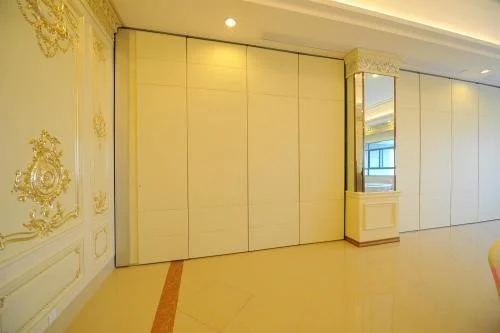
- Parking position: where panels will stack when the opening is clear, based on the coordinated design.
- Finish interfaces: laminate, melamine, fabric, leather, glass, and other approved surfaces where they meet adjacent finishes.
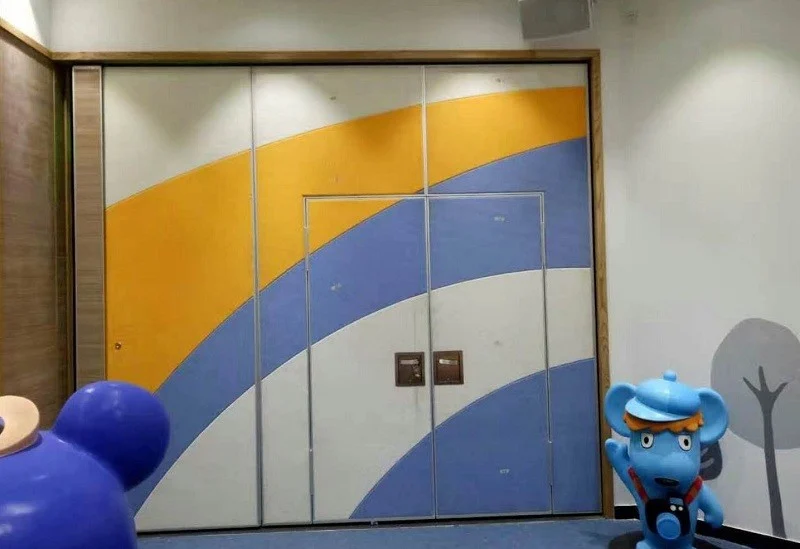
- Pass-door requirements: whether a pass door is needed and how it fits the panel layout.
- Documentation: drawings, schedules, and project documentation that still need confirmation.
Each query should name the drawing or detail it affects. That prevents vague items from aging without a clear owner.
How to Set Up the Aging Report
Checklist focus: track interface query aging report.
An aging report is only useful if it is simple enough to maintain. A spreadsheet or a structured issue log is enough. The goal is visibility, not software complexity.
Step 1: Assign a unique query ID
Use a short prefix such as TRK-001. This makes it easy to reference the query in meeting minutes and drawing revisions.
Step 2: Record the date opened and the target close date
The target close date should align with the drawing issue milestone. If the query cannot close before issue, mark it as an open item on the drawing.
Step 3: Define the evidence needed
Do not accept a generic answer as closure.
Step 4: Age the query by working days
Working-day aging is more useful than calendar aging because it reflects actual review time. A query that has been open for ten working days without a response is a signal to escalate.
Reading the Aging Bands
Review focus: track interface query aging report.
Aging bands help the team prioritize. The bands below are a coordination tool, not a contractual requirement. Adjust them to the project schedule.
| Band | Working days open | Suggested action |
|---|---|---|
| Current | 0-5 | Monitor and confirm owner |
| Watch | 6-10 | Request a response at the next coordination meeting |
| Aging | 11-15 | Escalate to the design lead and note the drawing impact |
| Critical | 16+ | Hold the affected drawing issue or mark it as open |
Use the bands to start a conversation, not to assign blame. The purpose is to protect the drawing issue from unresolved assumptions.
Evidence Boundaries for Track Interface Queries
Some questions can be answered from maintained product facts. Others require project-specific evidence. Mixing the two is the most common source of unsupported claims.
Visible references can support layout discussion but do not verify hidden construction or performance. Comparative, absolute, and causal statements require corresponding evidence. If that evidence is not available, state the exact project-specific confirmation boundary instead.
For example, a layout drawing can show a straight, turning, or stacking route. Those items need their own review.
Running the Report Before Drawing Issue
The report should be reviewed at a fixed point in the drawing cycle. A short, disciplined review is more effective than a long, occasional one.
- Export the open queries and sort by aging band.
- Confirm that every critical query has a named owner and a required evidence item.
- Check that the planned parking position and route geometry match the latest layout.
- Confirm whether pass-door requirements and project documentation are still open.
- Decide which queries can close, which need a drawing note, and which must hold the issue.
- Record the decision and update the drawing revision log.
This process keeps the track interface visible without turning the report into a performance claim. It also gives the contractor and the owner a clear view of what remains open.
Common Coordination Gaps
Most aging queries fall into a few recurring gaps. Recognizing them early can shorten the review cycle.
- Assumed continuity: the layout shows a route, but the overhead connection is not confirmed.
- Unclear parking: the stacking position is described but not coordinated with adjacent uses.
- Finish mismatch: a finish is selected without confirming how it meets adjacent surfaces.
- Missing documentation: a query is closed verbally without a drawing or schedule update.
- Performance inference: a query is answered with an assumed rating rather than a project-specific review.
Each gap can be addressed with a clear evidence request. The report should state what is needed, not what is assumed.
FAQ: Track Interface Query Aging Reports
What is an architect coordination track interface query aging report?
It is a register that tracks unresolved questions about the overhead track interface, showing how long each query has been open and what evidence is needed to close it before drawing issue.
Why is the track interface treated separately from other coordination queries?
The track interface affects the continuous overhead route, the parking position, and the relationship between the partition and adjacent construction. Treating it separately keeps those items visible.
Can the aging report confirm acoustic performance?
No. The report tracks coordination status.
What information should a track interface query include?
Include the query ID, date opened, target close date, affected drawing, route geometry, parking position, finish interface, pass-door requirements, and the evidence needed to close the item.
How often should the report be reviewed?
Review it at each drawing milestone and at regular coordination meetings. Working-day aging helps the team see which queries need escalation before issue.
What should happen if a query cannot close before drawing issue?
Mark the affected drawing as open, record the unresolved item, and state the project-specific confirmation boundary. Do not close the query with an assumed performance value.
Conclusion: A Disciplined Register Protects the Drawing Issue
A track interface query aging report is a practical coordination tool. It keeps the overhead route, parking position, finish interfaces, and pass-door requirements visible before drawings are issued. It also separates maintained product facts from project-specific evidence, so the team does not infer performance from a drawing or a finish.
For movable partition projects, confirm project-specific support, acoustic, and dimensional requirements with the relevant reviewers. Review the movable wall systems for product context, use the resources for planning guidance, and contact EBUNGE to discuss pass-door requirements and project documentation.