
Quick answer: unanswered partition interface
Review focus: unanswered partition interface.
An architect coordination unanswered partition interface query tracker is a simple register that records every open question about how a movable partition meets structure, ceiling, adjacent finishes and other trades. The suitability of each route and parking arrangement depends on the approved layout, circulation, ceiling interfaces and operating sequence. Without a shared tracker, questions disappear into email threads and reappear as site instructions. This article sets out a practical, evidence-bounded method for logging, routing and closing those queries using maintained product facts and project-specific drawing review.
Why Partition Interface Queries Go Unanswered
Project review term: unanswered partition interface.
Most unanswered queries are not ignored; they are unowned. A question about parking position may look like a product query, but it depends on the room layout and adjacent door swings.
When no single register exists, each discipline assumes another will respond. The result is a coordination gap that surfaces late, when changes are harder to absorb. A tracker does not answer the question; it makes the question visible, assigns an owner and records the evidence needed to close it.
What the Tracker Should Record
Coordination scope: unanswered partition interface.
Keep the register deliberately narrow. Each row should capture the query, the interface it touches, the discipline that owns the answer, the evidence required and the date the query was raised. Avoid free-text notes that cannot be filtered.
Core fields for each query
- Query ID and date raised: a stable reference for meeting minutes and drawing reviews.
- Interface category: overhead support, ceiling, floor finish, adjacent wall, finish transition or access route.
- Discipline owner: the party responsible for the answer, not the party who raised it.
- Evidence required: drawing, specification clause, survey or written confirmation.
- Status: open, awaiting information, answered or closed with reference.
This structure keeps the tracker usable across disciplines and prevents it from becoming a second drawing set.
Routing Queries to the Right Discipline
Checklist focus: unanswered partition interface.
Routing is where most trackers fail. A query sent to the whole team rarely gets a single clear answer. Assign one owner per query and one backup. If the owner cannot answer, the query should be re-routed rather than left open.
Typical interface owners
| Interface | Likely owner | Evidence to request |
|---|---|---|
| Overhead support and route continuity | Structural engineer | Coordinated section and support review |
| Ceiling void and services coordination | MEP engineer | Service routing drawing |
| Finish transition and visual junction | Architect or interior designer | Detail drawing and finish schedule |
| Parking position and stacking route | Architect with product input | Layout drawing showing movement path |
| Pass-door requirement | Architect with owner confirmation | Written requirement and door schedule |
Use this table as a starting point only. Project roles vary, and the tracker should reflect the actual appointments on the job.
Binding Queries to Maintained Product Facts
Review focus: unanswered partition interface.
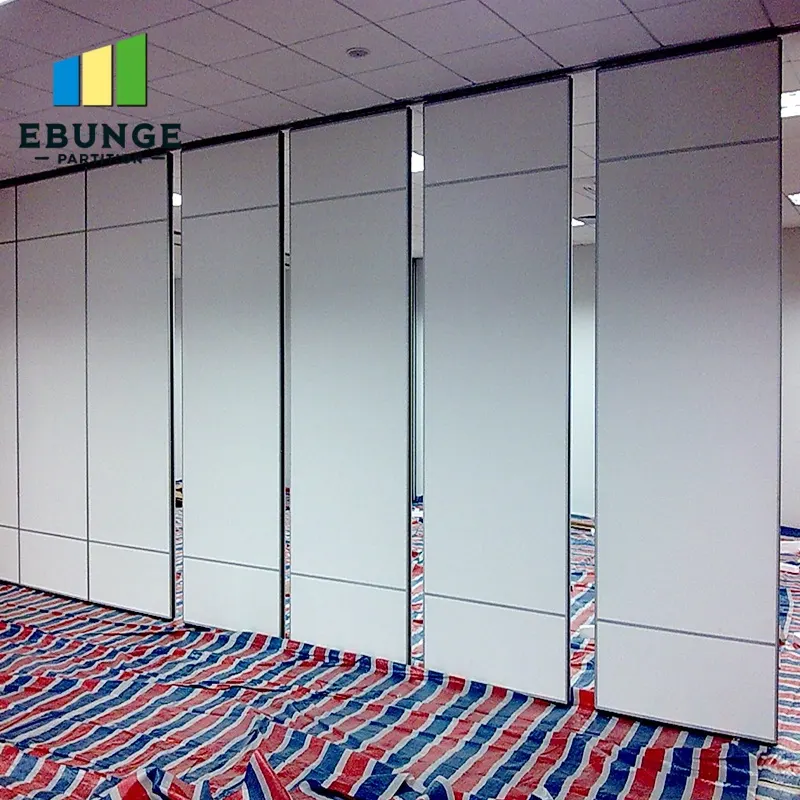
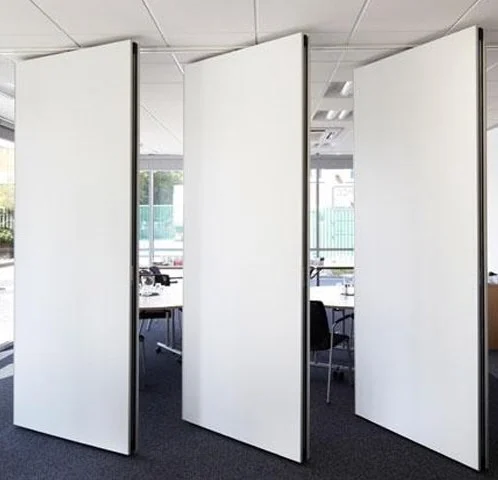
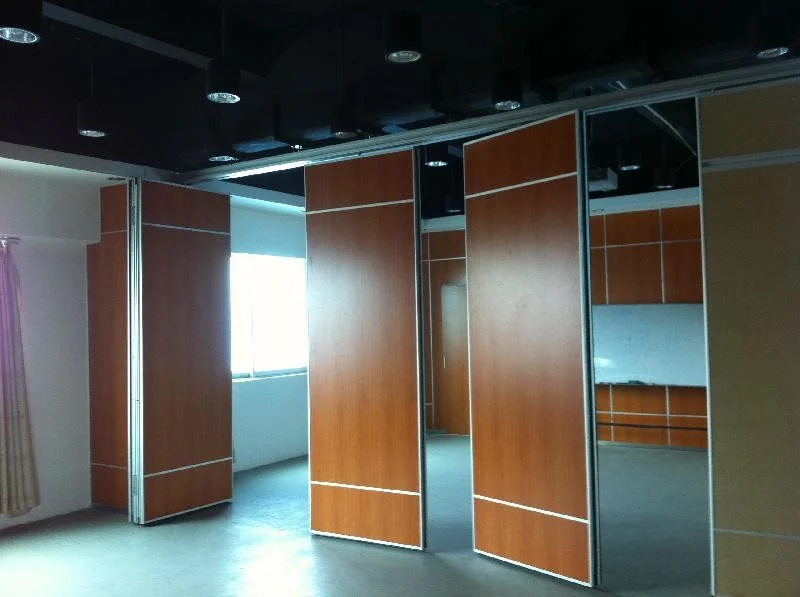
A tracker is only useful if the answers rest on confirmed information. For movable partitions, the maintained facts are limited and should be stated plainly: panels are individually movable, suspended from a top track, cross the opening without a floor track, and park at a planned stacking position. Straight, turning and stacking routes are reviewed from the layout.
Confirmed finish options include laminate, melamine, fabric, leather, glass and other approved surfaces. Pass-door requirements and project documentation can be discussed.
Evidence note: a visible finish or drawing does not prove acoustic, fire, durability or load performance. If the tracker row needs a performance answer, record the exact confirmation boundary and the party who must provide it.
Running the Tracker Through Design Stages
The tracker should change character as the project moves. Early on, queries are broad and conceptual. Later, they become specific and drawing-linked. Reviewing the register at each stage prevents old questions from being treated as resolved.
Stage-by-stage review
- Concept: log queries about room flexibility, parking intent and broad interface risks.
- Technical design: confirm overhead route continuity, support review and finish transitions.
- Tender: check that specifications do not imply unconfirmed performance.
- Construction: close queries with referenced evidence and record any agreed changes.
Each stage should end with a short review: which queries are still open, who owns them and what evidence is missing.
Common Tracker Mistakes to Avoid
Three mistakes recur. First, treating the tracker as a meeting-minute archive rather than a live register. Second, allowing performance assumptions to enter as answers without evidence. Third, closing a query because a drawing was issued, rather than because the drawing answers the question.
A fourth mistake is scope drift. The tracker should not become a substitute for coordinated drawings or a formal request for information process. It supports those processes by keeping interface questions visible and owned.
Using the Tracker in Specification and Procurement
When the register is clean, it feeds directly into specification. Open queries about overhead support, finish transitions or pass-doors should be resolved before procurement, or clearly flagged as project-specific confirmations. This prevents a tender package from implying performance that has not been established.
For movable wall packages, link the tracker to the movable walls product page so the team can check maintained facts, and use the resources page for general planning context. Neither replaces project-specific drawing review.
Frequently Asked Questions
What is an architect coordination unanswered partition interface query tracker?
It is a register that records open partition interface questions, assigns a discipline owner and tracks the evidence needed to close each item. It supports coordination but does not replace formal drawing review or requests for information.
Who should own the tracker?
Usually the architect or lead designer, because they hold the design intent. However, each query should have a single discipline owner responsible for the answer.
Can the tracker confirm acoustic performance?
No. The tracker should record the confirmation boundary rather than assume a result.
How does the tracker handle parking and stacking routes?
It records the proposed route as a query and asks the design team to review straight, turning and stacking paths from the layout. Every movement path requires a continuous connected overhead route and project-specific support review.
Should finish options be listed in the tracker?
Only as confirmed options: laminate, melamine, fabric, leather, glass and other approved surfaces.
When should a query be closed?
Close it when the named owner has provided the required evidence and the answer is referenced in the register. Issuing a drawing alone does not close a query unless the drawing answers the question.
Conclusion and Next Step
A disciplined query tracker keeps partition interface questions visible, owned and evidence-bound. It will not resolve every coordination issue, but it prevents unanswered questions from being mistaken for agreed design. Confirm project-specific support, acoustic and dimensional requirements with the relevant disciplines before relying on any assumption.
To discuss pass-door requirements, finish options or project documentation, contact the EBUNGE team and bring your layout drawings to the conversation.