
Quick answer: movable partition changeover skill decay refresher trigger
Review focus: movable partition changeover skill decay refresher trigger.
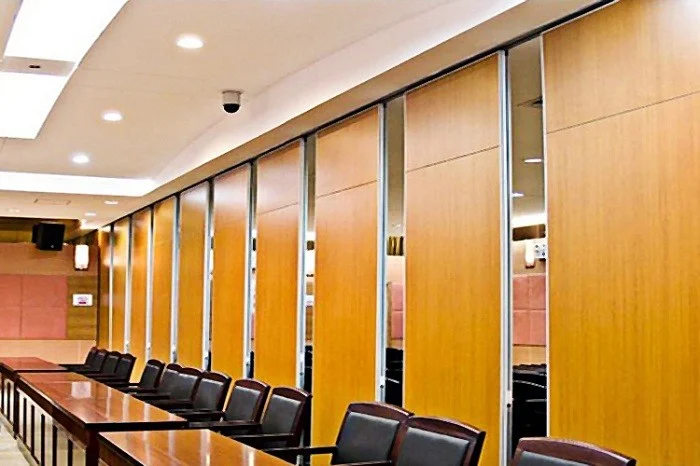
In multi-room venues, the movable partition changeover skill decay refresher trigger is not a training slogan; it is a planning control. Panels are individually movable, suspended from a top track, cross the opening without a floor track, and park at a planned stacking position. When staff rotate, those steps fade. This framework helps facility teams notice decay early and schedule refreshers before a changeover becomes a bottleneck.
Use it alongside maintained product facts and project drawings. Confirm project-specific support, acoustic and dimensional requirements with the responsible parties before relying on any configuration.
Why Changeover Skill Decay Matters in Multi-Room Venues
Project review term: movable partition changeover skill decay refresher trigger.
Flexible venues depend on repeatable room combinations. A ballroom may split into smaller halls; a conference floor may merge meeting rooms; a school may divide a hall for exams and reassemble it for assembly. Each changeover follows straight, turning and stacking routes reviewed from the layout.
Skill decay is the gradual loss of correct sequence, not a sudden failure. Staff may still move panels, but they may park them in the wrong order, leave a route obstructed, or force a panel against its neighbor. Panel handling and the operating sequence must be confirmed for the selected layout and project conditions. Because the panels are top-hung, the visible floor stays clear, which can hide a poorly planned route until the next event.
What decay looks like before it becomes a complaint
- Panels parked outside the planned stacking position.
- Changeovers taking longer without a layout change.
- Staff skipping the route check before moving the first panel.
- New hires learning from memory rather than from the reviewed layout.
- Different shifts using different sequences for the same room combination.
A Refresher Trigger Framework for Facility Teams
Coordination scope: movable partition changeover skill decay refresher trigger.
A trigger is a defined event that prompts a refresher, not a fixed calendar interval. The suitability of each route and parking arrangement depends on the approved layout, circulation, ceiling interfaces and operating sequence. The framework below uses observable signals, so it does not require performance data that the project has not confirmed.
Trigger categories
| Trigger | Observable signal | Suggested response |
|---|---|---|
| Personnel change | New staff or a shift rotation joins changeover duty | Walk the reviewed route before independent work |
| Layout change | Room combination or stacking position changes | Review the updated layout and parking plan |
| Incident or near miss | Panel contact, blocked route or forced movement | Revisit the sequence and report the event |
| Time drift | Changeover time rises without a layout change | Observe one changeover and correct the sequence |
| Seasonal peak | High-frequency event period approaches | Refresh before the peak, not during it |
Each trigger should name who observes it, who records it, and who authorizes the refresher. Keep the record with the layout drawings so the next shift can find it.
Building the Changeover Route Review
Checklist focus: movable partition changeover skill decay refresher trigger.
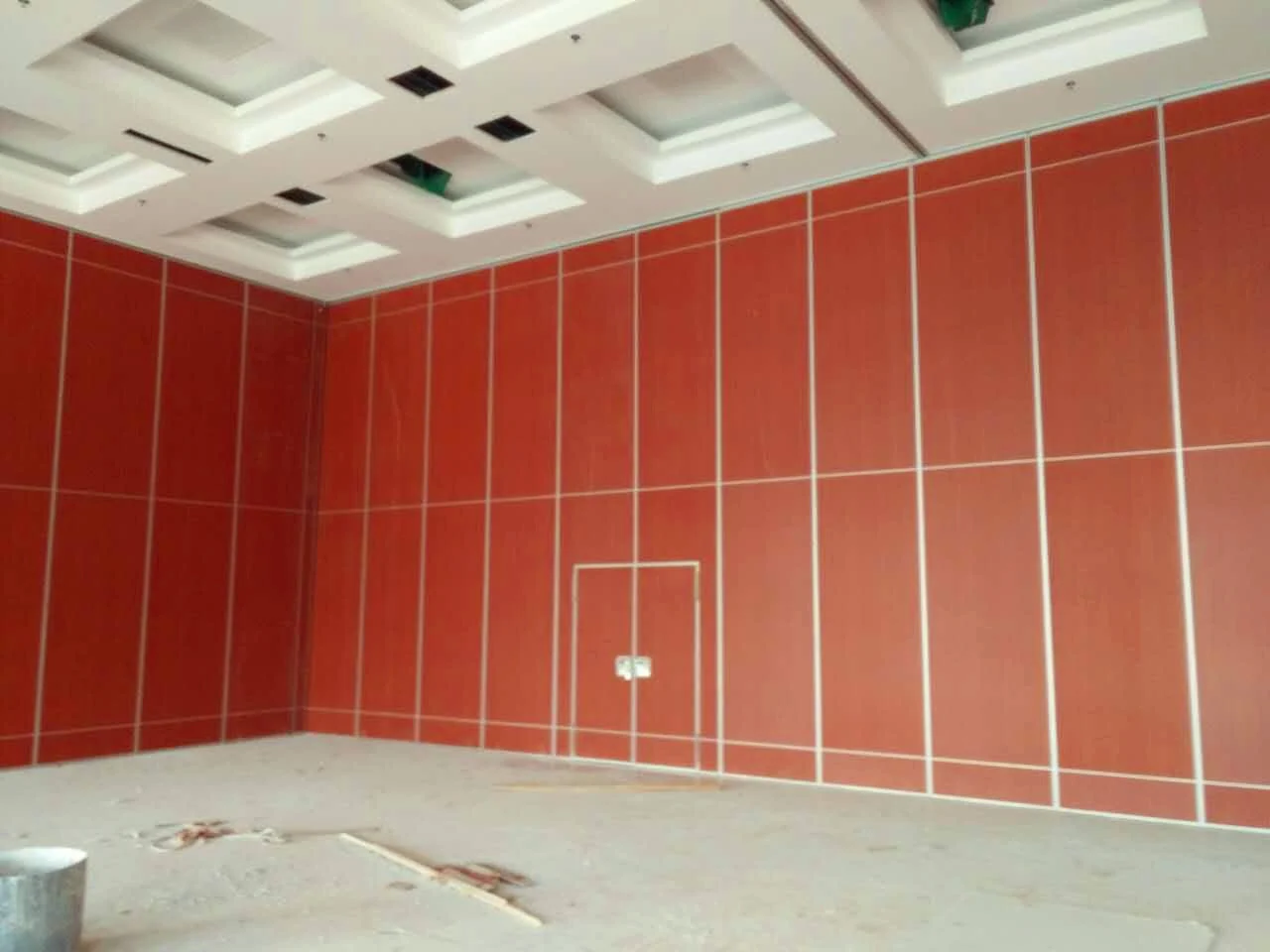
The route is the backbone of the skill. Straight, turning and stacking routes are reviewed from the layout, and every proposed movement path requires a continuous connected overhead route and project-specific support review. The exact route, junction arrangement, continuous overhead path and parking position must be confirmed from the coordinated project drawings.
Numbered route review process
- Open the current layout drawing and confirm the room combination.
- Trace the straight route from the parked position to the opening.
- Confirm the planned stacking position and parking order.
- Check that the clear floor line remains free of stored items.
- Walk the route with the staff who will perform the changeover.
- Record any deviation and route it to the project contact for review.
This process is deliberately visual. Those items require matching project evidence.
Coordination Across Operations, Events and Contractors
Review focus: movable partition changeover skill decay refresher trigger.
Changeover skill sits between departments. Events set the room combination; operations performs the changeover; contractors and designers own the layout intent. Without coordination, each group may hold a different version of the route.
Facility Operations Planning coordination should assign one owner for the changeover record. That owner keeps the layout, the parking plan, and the refresher log together. When a pass-door requirement or project documentation question arises, it can be discussed with the project team rather than resolved by assumption.
Evidence note
Confirm project-specific support, acoustic and dimensional requirements before treating any route, stacking position or finish as final. Finish options such as laminate, melamine, fabric, leather, glass and other approved surfaces describe appearance choices; they do not by themselves confirm cleaning compatibility, structural capacity or acoustic performance.
Specification and Documentation Boundaries
A changeover framework is only as good as the documents behind it. The movable partition changeover skill decay refresher trigger specification should reference the reviewed layout, the parking arrangement, and the agreed route.
Treat acoustic expectations as project-specific and confirm them with the responsible acoustic and engineering parties.
Decision checklist before sign-off
- Is the current layout drawing the one staff actually use?
- Is the stacking position marked and reachable?
- Are straight, turning and stacking routes reviewed together?
- Is the overhead route continuous for every proposed path?
- Is there a named owner for the refresher log?
- Are pass-door and documentation questions routed to the project team?
- Are finish selections recorded without implying unverified performance?
Refresher Delivery That Sticks
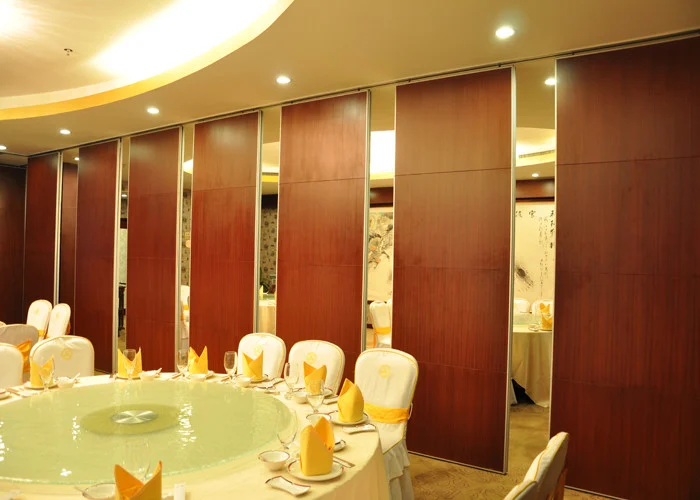
Short, repeated walkthroughs usually beat a single long session. Pair a new operator with an experienced one for the first changeover after any trigger. Use the actual room, not a description, so the route and parking position are learned in place.
After the walkthrough, ask the operator to explain the sequence back. This reveals gaps that a demonstration can hide. Keep the session focused on movement, route and parking; do not extend it into claims the project has not confirmed.
FAQ
What is a changeover skill decay refresher trigger?
It is a defined event, such as a personnel change or a layout change, that prompts a short refresher before staff perform changeovers independently.
How often should refreshers be scheduled?
Use triggers rather than a fixed interval. Personnel changes, layout changes, incidents, time drift and seasonal peaks are practical signals to refresh.
Do movable partitions need a floor track for changeovers?
EBUNGE movable partition panels are top-hung and move without a continuous floor running track or floor hardware along the partition line. Confirm the overhead route and support with the project team.
Can panels move across any opening?
No. Every proposed movement path requires a continuous connected overhead route and project-specific support review.
Which finish options can be discussed?
Confirmed finish options include laminate, melamine, fabric, leather, glass and other approved surfaces. Confirm suitability for the specific project and use.
What should be documented for a changeover plan?
Keep the reviewed layout, parking position, route notes, refresher log and any pass-door or documentation questions together, and confirm project-specific requirements with the responsible parties.
Conclusion and Next Step
A changeover skill decay refresher trigger framework turns a vague training concern into a visible operations control. Track the triggers, review the routes from the layout, and keep the record with the drawings. Confirm project-specific support, acoustic and dimensional requirements before finalizing any configuration.
To discuss your venue, layout or documentation needs, contact the EBUNGE team. You can also review movable wall products and browse planning resources for further project coordination guidance.