
Quick answer: document revision uptake register
Review focus: document revision uptake register.
A movable partition wall handover document revision uptake register is the closeout tool that records which revision of each record was issued, which named facility team member received it, and which version they actually work from. Without that register, a post-handover query about a top-hung panel route, a parking position, or a finish reference can be answered from the wrong drawing revision. This article sets out a register structure that keeps every answer traceable to a specific document version, without inventing project outcomes.
Why Revision Uptake Matters More Than Document Issue
Project review term: document revision uptake register.
Issuing a closeout pack is not the same as confirming that the facility team holds the current revision. A contractor may send Revision C of a stacking layout while the site office still works from Revision B. The exact route, junction arrangement, continuous overhead path and parking position must be confirmed from the coordinated project drawings.
The register closes that gap by pairing every document with a named recipient and an acknowledgement date. It does not prove that a reader understood the content, and it does not replace a formal document control system. It simply makes uptake visible.
Core Fields for a Revision Uptake Register
Coordination scope: document revision uptake register.
Keep the register lean enough to maintain and specific enough to trace. Each row should represent one document revision issued to one named recipient, not one document issued to a group.
- Document ID and title — for example, a layout drawing showing straight, turning and stacking routes.
- Revision code and issue date — the exact version, not a generic description.
- Issued by and issue method — who sent it and through which channel.
- Named recipient and role — a person, not a department.
- Received date and acknowledgement — when the recipient confirmed receipt.
- Working revision confirmed — the version the recipient states they use.
- Superseded revision and action — what happened to the earlier copy.
- Query reference — a link to any post-handover question raised against that revision.
Panel handling and the operating sequence must be confirmed for the selected layout and project conditions.
Step-by-Step Register Setup Before Handover
Checklist focus: document revision uptake register.
- List every closeout record that the facility team will need, including layout drawings, finish schedules, and pass-door coordination notes.
- Assign a document ID and revision code to each record before the first issue.
- Identify named recipients by role, such as facility manager, maintenance lead, or front-of-house supervisor.
- Agree the acknowledgement method — a signed receipt, an email reply, or a shared register entry.
- Record the working revision each recipient confirms, and flag any mismatch immediately.
- Set a review point after handover to confirm that superseded copies have been withdrawn or marked.
This sequence keeps the register factual.
What the Register Should and Should Not Claim
Review focus: document revision uptake register.
The register is an evidence-bounded tool. It can show that a revision was issued, received, and acknowledged. It cannot show that a reader understood it, that a building performs as designed, or that a partition system meets a particular acoustic target.
Evidence note: a register entry proves document uptake, not product performance, installation quality, or compliance. Those require separate project-specific confirmation.
The suitability of each route and parking arrangement depends on the approved layout, circulation, ceiling interfaces and operating sequence.
Coordinating the Register with Movable Partition Facts
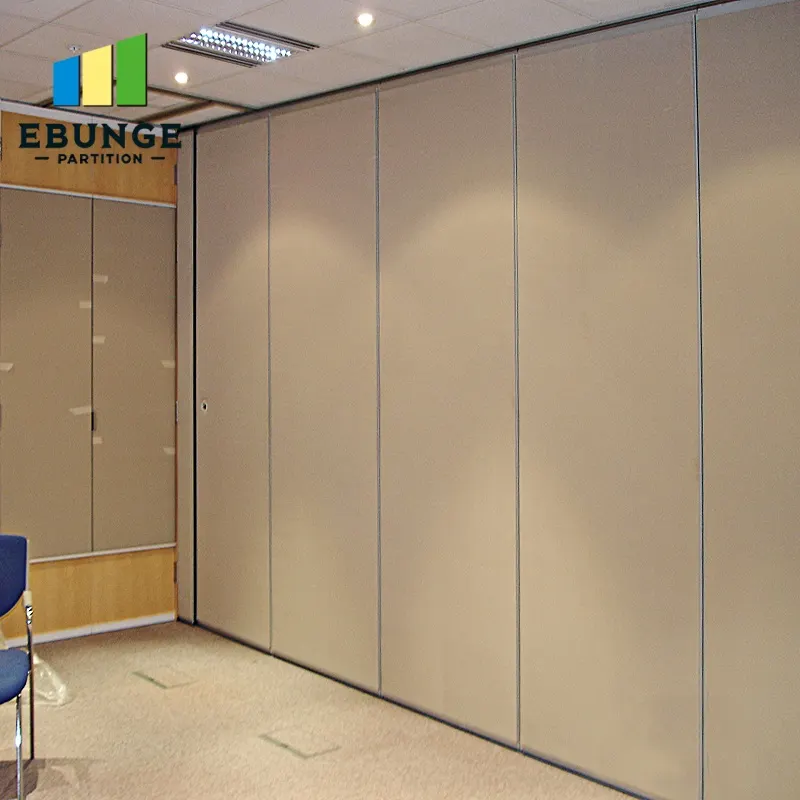
Movable partition panels are individually movable, suspended from a top track, cross the opening without a floor track, and park at a planned stacking position. Straight, turning and stacking routes are reviewed from the layout. That means the layout drawing is often the most queried closeout record, and its revision status matters most.
If a facility team works from an outdated route drawing, a query about whether a panel can reach a parking position may be answered incorrectly. The register does not resolve the design question, but it identifies which drawing version the team is using so the correct route can be reviewed.
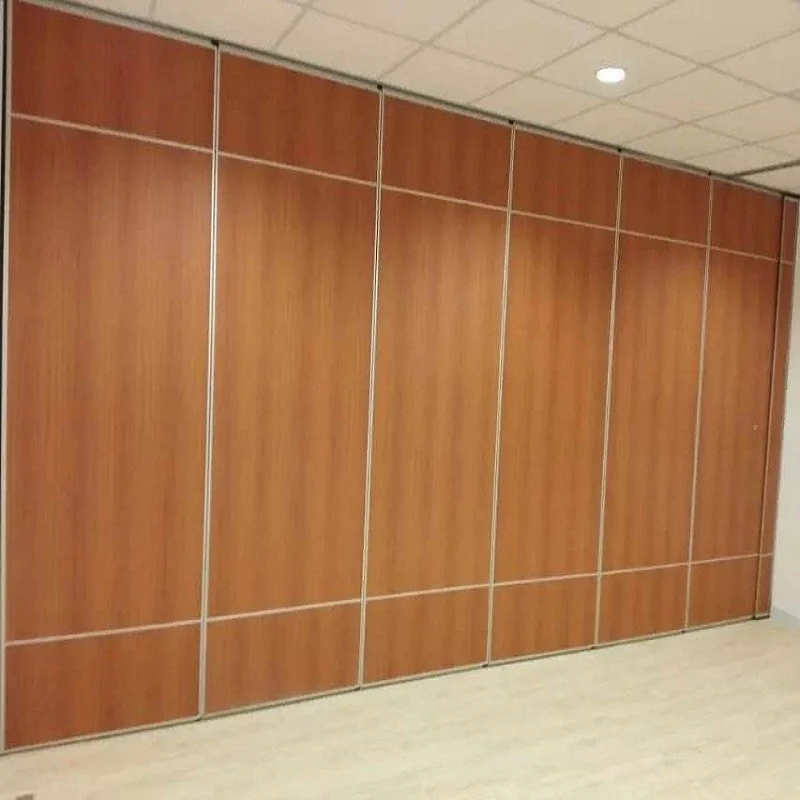
Finish references also need revision control. Confirmed finish options include laminate, melamine, fabric, leather, glass and other approved surfaces. A finish schedule revision should be tracked in the same register so that maintenance queries reference the approved surface record.
Handling Post-Handover Queries with the Register
When a query arrives, the first step is to identify the document and revision it relates to. The register then shows who received that revision and which version they confirmed as their working copy. If the query relates to a superseded revision, the response can point to the current version and note the difference.
Pass-door requirements and project documentation can be discussed with the project team, and the register should record any pass-door coordination note as a controlled document.
For broader planning resources, see the EBUNGE resources page. For product context on top-hung movable walls, see the movable walls product page.
Common Register Mistakes to Avoid
One frequent mistake is recording a department as the recipient. A department cannot acknowledge a revision; a named person can. Another is using a single row for multiple revisions, which hides which version was actually received.
A third mistake is treating the register as a substitute for document control. It is a tracking layer, not a replacement for a formal system. Keep it aligned with the project’s existing document control process.
Finally, avoid adding performance columns. A register that records acoustic ratings or load values invites unsupported conclusions. Keep it to document identity, issue, receipt, acknowledgement, and working revision.
FAQ: Movable Partition Wall Handover Revision Registers
What is a movable partition wall handover document revision uptake register?
It is a structured record that tracks which revision of each closeout document was issued, which named facility team member received it, and which version they confirm they work from.
Does the register prove that the facility team understood the documents?
No. It records issue, receipt, and acknowledgement. Understanding, training, and operational competence require separate confirmation.
Should the register include acoustic ratings such as STC or Rw?
No. Keep performance ratings out of the register.
How does the register relate to layout drawings for movable partitions?
Layout drawings showing straight, turning and stacking routes are often the most queried records. The register identifies which revision each recipient holds so queries can be traced to the correct version.
Can the register be used for pass-door coordination notes?
Yes. Pass-door requirements and project documentation can be discussed, and any coordination note can be tracked as a controlled document with its own revision code.
Who should maintain the register after handover?
The project team and facility team should agree a named owner before handover. The owner updates the register when revisions are issued or acknowledged.
Conclusion and Next Steps
A revision uptake register turns closeout documentation from a one-time delivery into a traceable record. It shows which version each named facility team member received and works from, so post-handover queries can be answered against a specific document revision rather than an assumption.
Confirm project-specific support, acoustic and dimensional requirements with the project team before finalising any register structure. To discuss documentation coordination for a movable partition project, contact EBUNGE.