
Quick answer: movable partition wall document acceptance
Review focus: movable partition wall document acceptance.
Late closeout files rarely fail because a team forgot to send something. They fail because nobody defined when a submittal becomes late, who reviews it, and what happens next. A movable partition wall document acceptance window escalation framework gives overseas contractors, architects, owners and distributors a shared clock. The suitability of each route and parking arrangement depends on the approved layout, circulation, ceiling interfaces and operating sequence. This article explains how to set acceptance windows, classify submittals, and escalate delays using only confirmed product facts and project-specific drawing review.
Why Handover Documentation Needs a Defined Acceptance Window
Project review term: movable partition wall document acceptance.
Handover documentation for a movable partition wall package typically includes layout drawings, finish schedules, pass-door requirements, stacking position notes and coordination records. Each item has a different reviewer and a different dependency. Without an acceptance window, reviewers treat every file as urgent or as optional.
An acceptance window is a stated period in which the receiving party reviews a submittal and returns a status: accepted, accepted with comments, or revise and resubmit. The window is a planning tool.
Confirmed Product Facts That Shape the Document Set
Coordination scope: movable partition wall document acceptance.
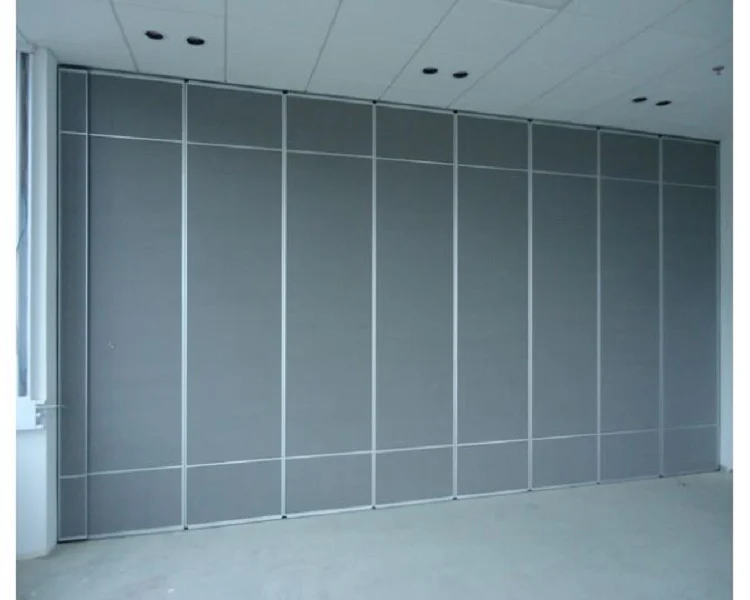
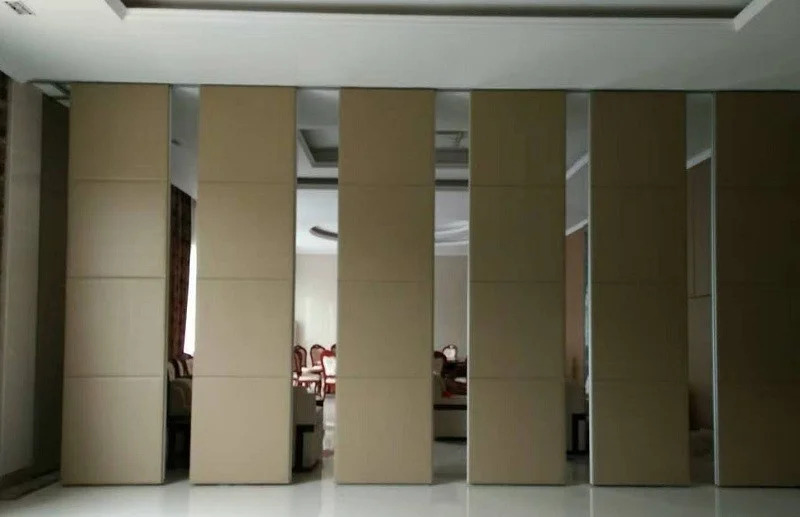
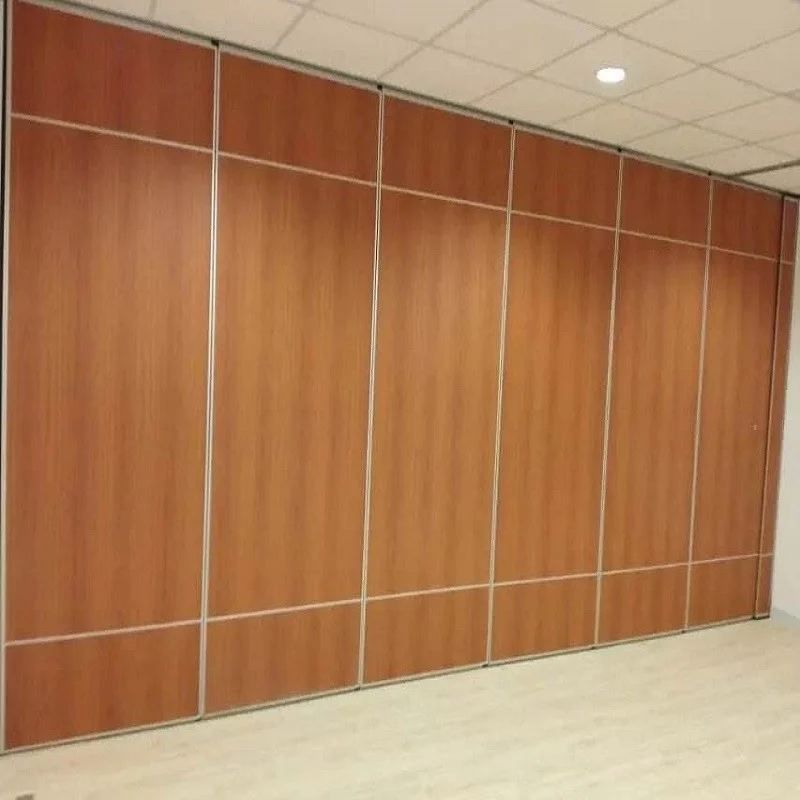
Documentation should describe the system as it is actually configured. EBUNGE movable wall panels are individually movable, suspended from a top track, cross the opening without a floor track, and park at a planned stacking position. Straight, turning and stacking routes are reviewed from the layout. Confirmed finish options include laminate, melamine, fabric, leather, glass and other approved surfaces. Pass-door requirements and project documentation can be discussed.
These facts define what drawings must show: the overhead route, the parking zone, the finish schedule and any pass-door location. Those items require separate project-specific confirmation.
A Numbered Process for Setting the Acceptance Window
Checklist focus: movable partition wall document acceptance.
- List every closeout submittal. Separate product data, layout drawings, finish schedules, pass-door details and coordination records.
- Assign an owner and reviewer. Name the party who submits and the party who accepts. Avoid shared ownership.
- Set a window length per submittal type. Drawing reviews usually need more time than a finish sample schedule.
- Define the start trigger. State whether the window opens on receipt, on a scheduled date, or after a prerequisite is met.
- Record the status vocabulary. Use accepted, accepted with comments, or revise and resubmit.
- Publish the escalation ladder. State who is notified at each missed milestone.
- Review the framework at each coordination meeting. Update windows when the layout or scope changes.
Classifying Submittals Before Escalation
Review focus: movable partition wall document acceptance.
Critical path submittals
These block fabrication, procurement or installation planning. A late layout drawing or unresolved pass-door requirement can stop the next trade. Critical path items should have the shortest escalation trigger.
Coordination submittals
These affect interfaces with ceilings, adjacent finishes or other trades. They may not stop work immediately, but they create rework risk if they remain open.
Record submittals
These document what was agreed. They matter at closeout but rarely justify the same escalation urgency as critical path items.
An Escalation Ladder That Stays Evidence-Bounded
Escalation should move information upward, not invent consequences. A practical ladder has four steps: reminder before the window closes, notice on the due date, review by the project lead after a defined grace period, and formal written notice if the item remains open. Each step should reference the specific submittal, the agreed window and the current status.
Do not attach performance claims to an escalation notice. Visible references can support layout discussion but do not verify hidden construction or performance. It only means the document is not yet available for review. Keep the language factual and tied to the submittal register.
Evidence Note: What the Framework Can and Cannot Confirm
This framework governs document timing and review status. It does not confirm acoustic performance, structural support, fire performance, durability, installation time, cost or project outcomes. Those items require project-specific evidence and drawing review.
Treat any acoustic statement as a project-specific item to be confirmed, not as a default property of a document set.
Coordination Points With Other Trades
Movable partition documentation rarely stands alone. The overhead route must be coordinated with ceiling structure, and the parking position must be coordinated with adjacent rooms or corridors. Finish schedules must align with the interior design package. Pass-door requirements must be resolved before the layout is frozen.
Because panels are top-hung and cross the opening without a floor track, the layout review should confirm a continuous connected overhead route and a project-specific support review. The exact route, junction arrangement, continuous overhead path and parking position must be confirmed from the coordinated project drawings. If the layout changes, reopen the affected acceptance windows rather than carrying old dates forward.
Decision Checklist for Project Teams
- Is every closeout submittal listed with a named owner and reviewer?
- Does each submittal type have a stated acceptance window and start trigger?
- Is the status vocabulary consistent across all reviewers?
- Are critical path, coordination and record submittals separated?
- Is the escalation ladder published before the first due date?
- Are layout, finish and pass-door changes reflected in updated windows?
- Are acoustic, structural and commercial claims kept out of timing notices?
Frequently Asked Questions
What is a document acceptance window in a movable partition project?
It is a stated review period during which the receiving party returns a status on a closeout submittal. It is a planning agreement, not a performance certification.
When should escalation begin?
Escalation begins when the agreed window closes without a status. The first step is usually a reminder, followed by notice and project-lead review.
Does a late submittal prove the partition will not perform?
No. A late document only means the information is not yet available for review. Performance questions require project-specific evidence.
Which documents are most likely to be on the critical path?
Layout drawings, pass-door requirements and finish schedules often affect fabrication or coordination. Each project should confirm its own critical path.
How should layout changes affect open acceptance windows?
Reopen the affected windows and reset dates. Carrying old dates forward can hide unresolved coordination items.
Can EBUNGE confirm acoustic or structural requirements from a drawing?
No. Share the layout and requirements through the contact page for review.
Conclusion and Next Step
A movable partition wall document acceptance window escalation framework keeps closeout reviews predictable without promising outcomes the documents cannot prove. Define the submittal list, set windows, classify urgency, publish the ladder and keep every notice factual. Review the movable wall product page and the resources page for maintained product context, then confirm project-specific support, acoustic and dimensional requirements with the project team.
To discuss pass-door requirements, finish options or project documentation, contact EBUNGE with your layout and coordination questions.