
Quick answer: movable partition wall handover document trigger acceptance window
Review focus: movable partition wall.
Closeout rarely fails because a team forgot a folder. The suitability of each route and parking arrangement depends on the approved layout, circulation, ceiling interfaces and operating sequence. For overseas B2B teams, the useful question is not “what documents exist?” but “what event starts this document, and who must accept it before the next trade moves?” This framework keeps every recommendation tied to maintained product facts, visible evidence limits and project-specific drawing review.
Why a Trigger-and-Window Model Beats a Static Closeout List
Project review term: movable partition wall.
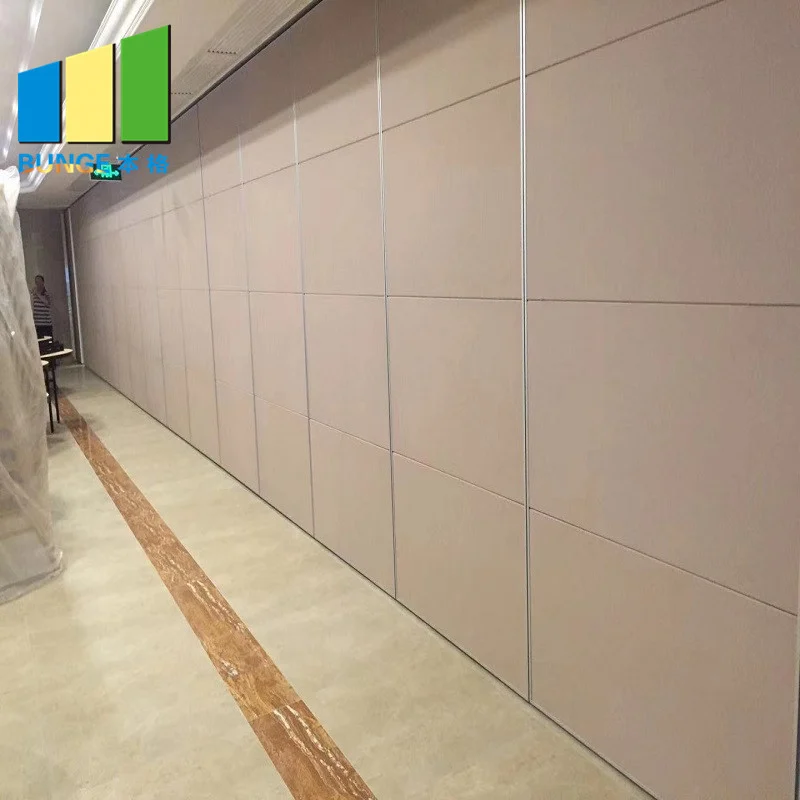
A static closeout list tells you what to collect. A trigger-and-window model tells you when collection becomes possible and when review must finish. That distinction matters because movable partition panels are individually movable, suspended from a top track, cross the opening without a floor track, and park at a planned stacking position. Straight, turning and stacking routes are reviewed from the layout, so the information needed for closeout depends on decisions that may still be evolving.
If you request a document before its trigger, you receive a placeholder. If you accept it after its window closes, the facility team inherits unresolved questions. The framework below keeps both risks visible without inventing project outcomes.
Define the Five Trigger Events Before You Build the Register
Coordination scope: movable partition wall.
Triggers should be observable events, not calendar guesses. The five below are generic coordination events that most overseas teams can adapt. Confirm the exact wording with your project team, because contract structures differ by region and delivery model.
- Layout freeze: the reviewed layout that establishes straight, turning and stacking routes is issued for coordination.
- Interface confirmation: supporting structure, overhead route continuity and adjacent trade interfaces are confirmed as project-specific items.
- Finish approval: the selected finish option is recorded against the approved schedule.
- Delivery and placement: panels arrive and are placed according to the coordinated plan.
- Facility walkthrough: the owner or facility team reviews the installed condition against the agreed scope.
Each trigger should name an owner and a recipient. A trigger without an owner becomes a meeting topic rather than a release event.
Set Acceptance Windows That Match Review Capacity
Checklist focus: movable partition wall.
An acceptance window is the period between document issue and required sign-off. Panel handling and the operating sequence must be confirmed for the selected layout and project conditions. Facility teams, contractors and designers often review in sequence, so a single short window can stall the whole closeout chain.
Sequence review rather than stacking it
Where possible, route documents so that each reviewer receives a complete package. Partial packages generate partial comments, and partial comments reopen closed decisions. If a document depends on another, state that dependency in the register so the window does not start prematurely.
Record the evidence boundary
Some items can be confirmed from drawings and approved schedules. Others require project-specific confirmation of support, acoustic and dimensional requirements. Mark which is which. A document that appears complete but rests on an unconfirmed assumption is more dangerous than an openly open item.
Build a Compact Document Register
Review focus: movable partition wall.
The table below is a planning structure, not a contractual closeout list. Adapt the rows to the project and confirm the required content with the responsible parties.
| Document group | Typical trigger | Acceptance focus |
|---|---|---|
| Layout and route record | Layout freeze | Straight, turning and stacking routes reviewed from the layout |
| Interface confirmation notes | Interface confirmation | Project-specific support and overhead route continuity |
| Finish schedule record | Finish approval | Approved finish option recorded against the schedule |
| Placement and parking record | Delivery and placement | Planned stacking position and clear-floor movement |
| Facility review record | Facility walkthrough | Open items, responsibilities and closure route |
Keep the register short enough to maintain. A register that nobody updates is worse than a simple checklist, because it implies control that does not exist.
Coordinate Overseas Review Without Inventing Outcomes
Project review term: movable partition wall.
Distance amplifies ambiguity. When reviewers are in different time zones, a document can appear accepted simply because nobody objected within a window. That is not acceptance. Define what silence means in your project, and confirm it with the parties involved.
Use the resources area to align terminology before issuing packages, and reference the movable wall product context when describing the system. Those require project-specific evidence.
Use a Pre-Issue Checklist to Protect the Window
Coordination scope: movable partition wall.
Before any document enters its acceptance window, run a short internal check. This reduces avoidable rework and keeps facility team review focused.
- Is the trigger event actually complete, not merely scheduled?
- Does the package state its evidence boundary clearly?
- Are project-specific support, acoustic and dimensional requirements flagged for confirmation?
- Is the reviewer list complete, including the facility team?
- Is the closure route defined for comments that cannot be resolved in one pass?

Evidence note: a visible finish, photograph or drawing does not confirm hidden acoustic, fire, durability, load or commercial performance. Confirm those items separately with matching project evidence.
Handle Pass-Door and Documentation Questions Early
Pass-door requirements and project documentation can be discussed with the supplier during planning. Raising them early helps the team understand which closeout items depend on design decisions and which depend on installation records.
FAQ: Handover Document Triggers and Acceptance Windows
What is a handover document trigger in a movable partition project?
It is the observable event that makes a document ready to issue, such as layout freeze or finish approval. It should have a named owner and a defined recipient.
How long should an acceptance window be?
Long enough for every required reviewer to read the package in sequence. Confirm the duration with the project team rather than assuming a standard period.
Can the facility team review before installation is complete?
Some documents can be reviewed earlier, but the facility walkthrough normally follows placement. Sequence review so that each document is issued when its trigger is complete.
Does a finish selection confirm acoustic performance?
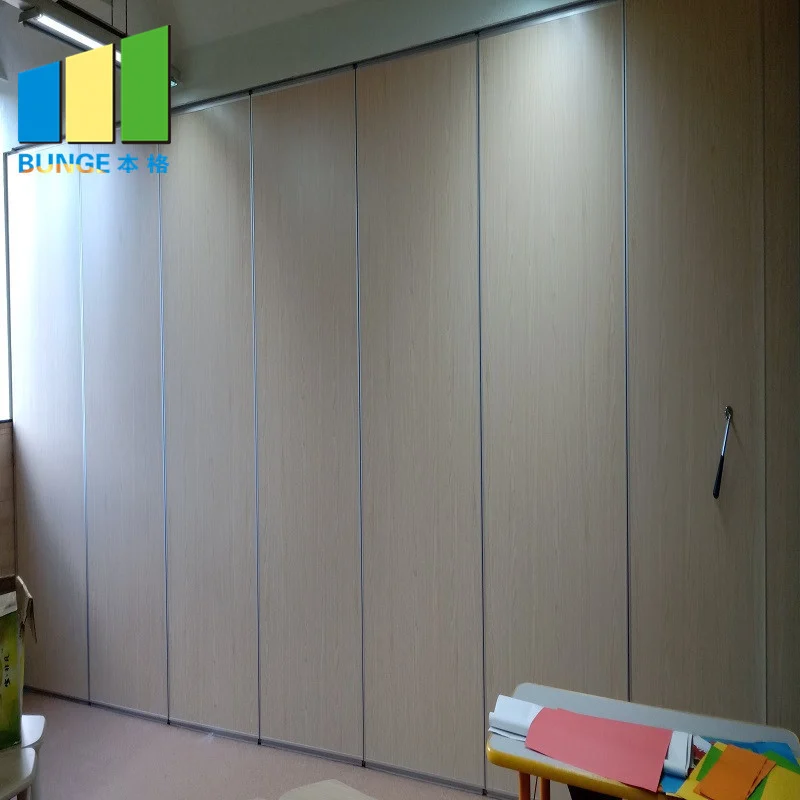
No. Finish options such as laminate, melamine, fabric, leather and glass describe surfaces.
What should be confirmed from project drawings?
Straight, turning and stacking routes, overhead route continuity, support conditions and dimensional requirements. Confirm these with the responsible project parties.
How do we avoid implying performance that was not verified?
State the evidence boundary in each document and mark items that still require project-specific confirmation. Do not derive hidden performance from a visible shape or finish.
Conclusion: Sequence Documents, Protect the Review Window
A reliable closeout process links each document to a real trigger and each acceptance window to actual review capacity. Keep the register compact, state evidence boundaries openly, and confirm project-specific support, acoustic and dimensional requirements before treating any item as closed. This approach helps overseas teams sequence facility review without inventing outcomes.
To discuss pass-door requirements, documentation expectations or layout review for your project, contact the EBUNGE team.