
Quick answer: track installation productivity rate
Review focus: track installation productivity rate.
Estimating a movable partition track installation productivity rate is not a lookup exercise. It is a planning discipline that converts confirmed product facts and reviewed drawings into a defensible schedule. EBUNGE movable partition panels are individually movable, suspended from a top track, cross the opening without a floor track, and park at a planned stacking position. Those facts shape how a contractor sequences work, but they do not by themselves produce a rate. This framework helps overseas contractors, architects and renovation teams build a productivity assumption they can explain, defend and revise.
Why a Productivity Rate Must Be Built, Not Borrowed
Project review term: track installation productivity rate.
A productivity rate is a planning assumption about how much coordinated work a crew can complete in a defined period under stated conditions. It is not a product specification and it is not a promise. Two projects with identical panel counts can differ because of ceiling structure, route geometry, access hours, material handling distance and inspection sequencing.
Treat any rate as conditional. Write down the conditions next to the number: zone definition, crew composition, shift pattern, access restrictions and the drawing revision the estimate is based on. When a condition changes, the rate changes. The suitability of each route and parking arrangement depends on the approved layout, circulation, ceiling interfaces and operating sequence.
Scope the Overhead Route Before You Scope the Crew
Coordination scope: track installation productivity rate.
Because panels are top-hung and travel without a floor track, the overhead route is the critical path. Straight, turning and stacking routes are reviewed from the layout. Every proposed movement path requires a continuous connected overhead route and project-specific support review. A gap in the route is not a detail to solve later; it is a scope boundary.
Route review inputs
- Reviewed layout showing straight runs, turns and the planned stacking position.
- The exact overhead route and support arrangement must be confirmed by the responsible project team from coordinated drawings.
- Access sequence: how crews and materials reach each work zone and when.
- Confirmed finish direction, since finish selection affects handling and protection planning.
If any input is missing, mark the affected zone as unestimated rather than filling the gap with an assumed rate. Confirm project-specific support, acoustic and dimensional requirements with the responsible engineer before the schedule is issued.
A Zone-Based Crew Balancing Framework
Checklist focus: track installation productivity rate.
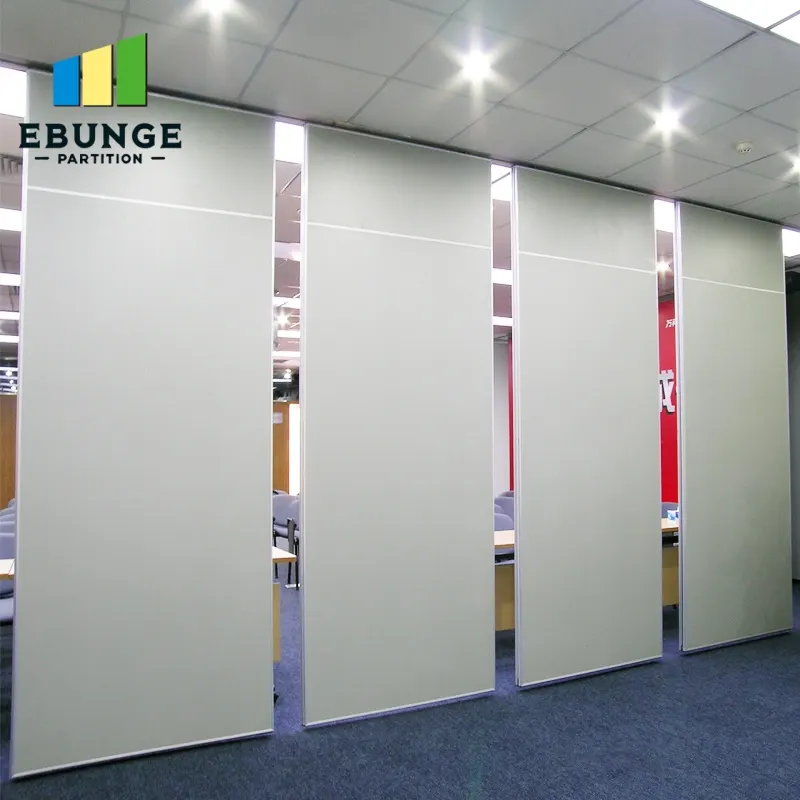
Crew balancing means matching available labour to zones that can actually be worked in parallel. It does not mean maximizing headcount. In many buildings, the constraint is access, not manpower. A zone that cannot be reached, powered or inspected cannot absorb additional crew.
Step-by-step balancing process
- Divide the floor into work zones defined by route segments and stacking positions.
- For each zone, list the predecessor activities that must finish before track work can begin.
- Identify which zones can be worked simultaneously without sharing the same access route.
- Assign a crew to each open zone and record the assumed output for that zone only.
- Review the plan against delivery windows, inspections and other trades.
- Re-balance weekly using observed progress, not original assumptions.
This process produces a rate per zone rather than one project-wide figure.
Building the Productivity Rate from Confirmed Inputs
Start with the confirmed product facts and the reviewed layout. Then apply project conditions. The table below shows the planning categories a contractor should document. It deliberately avoids numeric benchmarks, because valid numbers depend on evidence that only the project team holds.
| Planning category | What to document | Evidence needed |
|---|---|---|
| Route geometry | Straight, turning and stacking segments | Reviewed layout and support coordination |
| Support condition | Continuous connected overhead route | Project-specific structural review |
| Finish direction | Laminate, melamine, fabric, leather, glass or other approved surface | Confirmed finish schedule |
| Access and logistics | Zone entry, material path, working hours | Site logistics plan |
| Documentation | Pass-door requirements and project documentation | Agreed submittal register |

Use this table as a checklist during pre-construction meetings.
Coordinating Trades, Inspections and Documentation
Track installation rarely owns the ceiling. It shares space with mechanical, electrical, sprinkler and ceiling trades. Contractor Installation Planning coordination should establish who releases each zone, in what order, and what inspection must pass before the next zone opens.
Documentation matters as much as sequencing. Pass-door requirements and project documentation can be discussed early so that submittals, approvals and site instructions do not become late-stage blockers.
Evidence note
Do not derive acoustic, structural, durability or commercial performance from a visible finish, photograph or drawing. Confirm project-specific support, acoustic and dimensional requirements before publishing any rate, schedule or specification statement.
Common Planning Errors That Distort the Rate
Most schedule slippage in movable partition work comes from planning errors, not installation difficulty. Watch for these patterns.
- The exact route, junction arrangement, continuous overhead path and parking position must be confirmed from the coordinated project drawings.
- Publishing one project-wide rate when zones have different access and support conditions.
- Leaving pass-door and documentation requirements until after the programme is fixed.
- Balancing crews by headcount instead of by workable zones.
Correcting these errors early usually improves schedule reliability more than adding labour later.
FAQ: Track Installation Planning Questions
What information is required to estimate a movable partition track installation productivity rate?
You need the reviewed layout showing straight, turning and stacking routes, support coordination along the full overhead path, ceiling and services information, access and logistics constraints, and the confirmed finish direction. Without these inputs, any rate is an assumption rather than a plan.
Can one productivity rate cover an entire project?
It is safer to build zone-level rates. Different zones may have different route geometry, support conditions and access windows. A single project-wide figure hides those differences and is harder to defend when conditions change.
How should crews be balanced across work zones?
Balance by workable zones, not by headcount. Identify which zones can proceed in parallel without competing for the same access route, then assign crews accordingly. Re-balance as observed progress replaces original assumptions.
Do movable partition panels need a floor track?
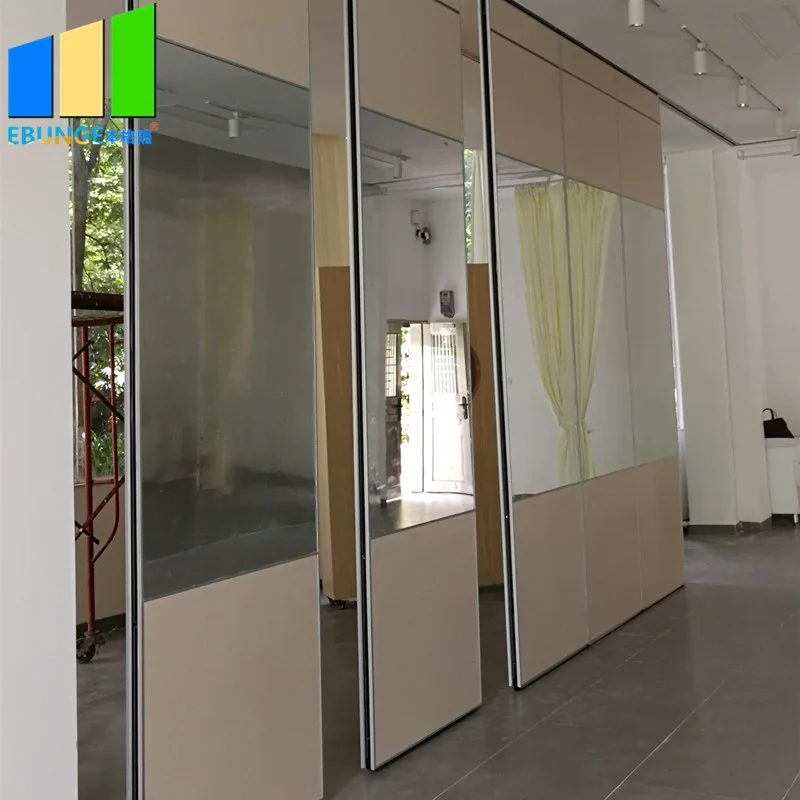
No. EBUNGE movable partition panels are top-hung and move without a continuous floor running track or floor hardware along the partition line.
How should acoustic ratings be used in planning?
Provide the current layout, opening dimensions, ceiling information, intended room use, and relevant project drawings for review. The exact overhead route and support arrangement must be confirmed by the responsible project team from coordinated drawings.
When should pass-door and documentation requirements be raised?
Raise them during early coordination. Pass-door requirements and project documentation can be discussed with EBUNGE so that submittals and approvals align with the construction programme rather than blocking it.
Conclusion: A Defensible Rate Starts with Confirmed Inputs
A movable partition track installation productivity rate is only as reliable as the drawings, support review and access plan behind it. Build the estimate zone by zone, keep every assumption visible, and confirm project-specific support, acoustic and dimensional requirements before issuing the schedule. Review the movable wall systems and the planning resources to prepare your coordination inputs.
Ready to align your installation plan with confirmed product facts? Contact EBUNGE to discuss your layout, route review and documentation requirements.